Have you ever fumbled for your wallet at checkout, then watched the line creep forward? One quick phone tap can fix that.
A mobile wallet is an app that stores your payment cards digitally. It lets you pay in stores with tap-to-pay, and many wallets also support online payments.
Ever wondered how your phone pays for coffee without your card being handed over? This guide breaks it down in plain English, from setup to the tech that protects your info.
You’ll also learn how the first payment works, what security features do behind the scenes, which apps are popular in 2026, and what to do if you’re nervous to try.
What Is a Mobile Wallet and Why Ditch Your Leather One?
A mobile wallet is basically a wallet in your pocket. Instead of carrying a bulky leather holder, you carry your phone (or watch). Inside the app, you store payment cards and sometimes extras like rewards and loyalty passes.
Most mobile wallets can help you pay in two common ways:
- In stores: you tap your phone near a card reader, or you scan a code when tap is not available.
- Online: you select the wallet at checkout, then confirm using your phone’s lock screen.
In 2026, mobile wallets are no longer only about credit and debit cards. Many people use them for P2P money sends, where you split bills and pay friends without typing card details. Some wallets also store digital IDs or tickets, depending on where you live and what partnerships exist.
Think of it like this. Your physical card is a key. Your mobile wallet is a keyring plus a lock that only opens with your phone’s identity check. You still pay from the same bank account, but the experience feels simpler.
If you’re new to mobile wallet basics, here’s what changes right away:
- Your card info sits inside the app, not in your hand.
- Your phone’s lock screen becomes part of the payment process.
- You can carry multiple cards in one place, then switch the default when needed.
That convenience matters, because checkout is fast now. Even so, the real question is safety: what happens when you tap? To answer that, you need to know how the phone and terminal talk, and why your actual card number does not travel around like a postcard. For a clear look at how wallets hide what you buy, see how mobile wallets work for tap-to-pay.
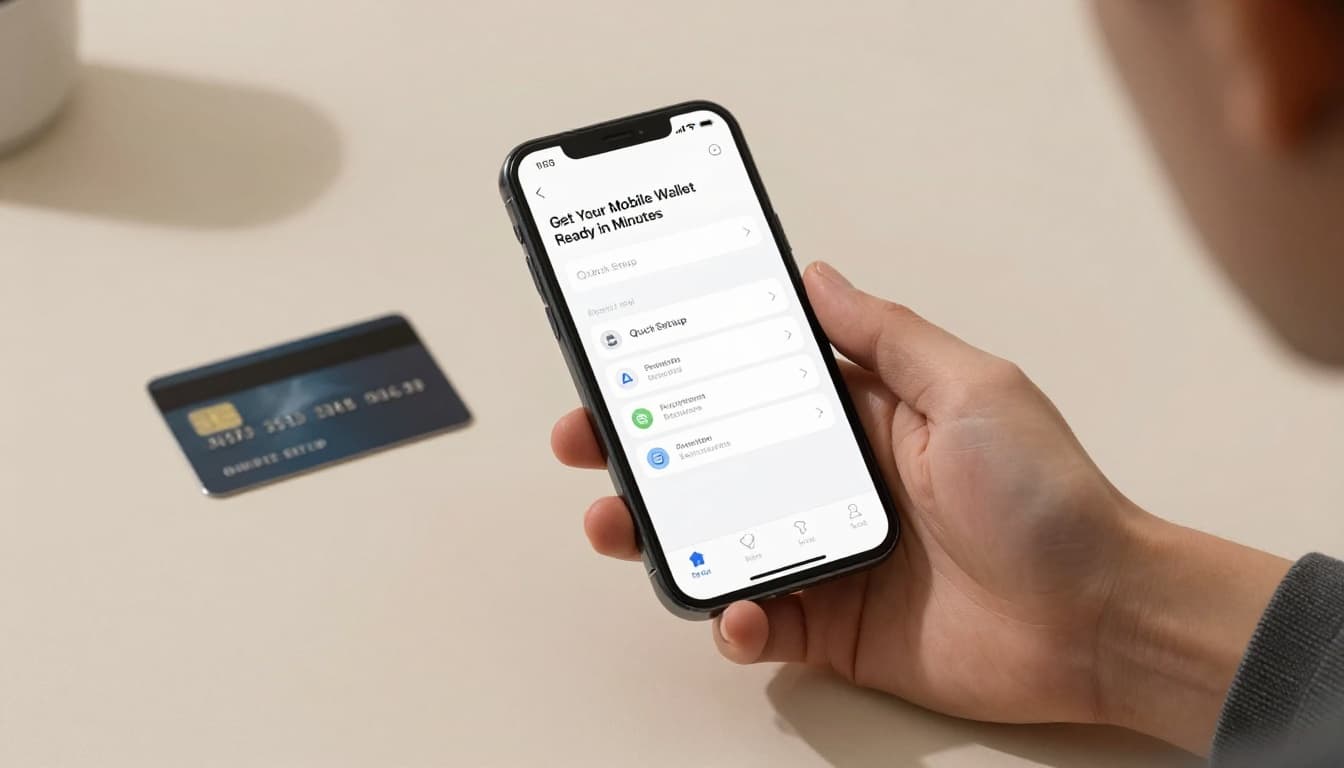
Quick Setup: Get Your Mobile Wallet Ready in Minutes
Setting up a mobile wallet is usually quick. Most people can do it in minutes, not hours.
Here’s the basic flow most wallets use:
- Download the wallet app
Apple Pay comes built into iPhone. Google Pay is common on Android. Samsung Pay is for Samsung devices. PayPal and Venmo also work for many purchases and transfers. - Add your card
You can type card details, or link it with your bank if the app offers that option. - Verify your identity
This often happens right away, using your phone’s lock screen plus a bank check. Sometimes you’ll get a text or email confirmation. - Set a default card
Then you’re ready to tap. You can usually switch cards anytime in the app.
One quick worry stops a lot of people before they start: “Is it safe to enter my card info?” Later you’ll see why the answer is yes for most cases. Still, the setup step itself is designed to protect you, because wallets use tokens and encryption during payments.
Also, start simple. If you just want it to work, add your everyday debit card first. It’s the one you’ll reach for most, and you’ll build confidence with real-world taps.
Choosing the Right App for Your Phone
Picking a wallet mostly depends on your phone and what you want to do.
In the US in 2026, the biggest names include:
- Apple Pay (best if you’re on iPhone)
- Google Pay (strong for Android users)
- Samsung Pay (great if you want extra compatibility, like MST on supported devices)
- PayPal (useful for shopping and money movement, especially if you already use PayPal)
- Venmo (popular for P2P transfers with social features)
Also note that some brands run “closed” wallets. For example, store apps may offer one-tap rewards and payments inside that store’s ecosystem. That can be handy, but it’s not always a full replacement for your everyday cards.
If you’re unsure, ask a simple question. Which app do you already use daily? Start there, then add cards when you see how fast checkout feels.
The Tech That Makes Tap-to-Pay Possible
Tap-to-pay isn’t magic. It’s a short, tightly controlled conversation between your phone and the reader.
Most wallets rely on NFC for tap payments. NFC works over a very short distance, so the phone and terminal can exchange data quickly. During that exchange, the wallet sends payment proof in a protected form, not your raw card number.
However, “tap-to-pay” isn’t the only method. Some wallets also support QR codes (more common for certain online orders and merchants). And Samsung Pay has included MST in some situations, which can help with older card readers that weren’t built for NFC.
To understand what makes these systems safer, it helps to know three core pieces: NFC, tokenization, and encryption.
NFC: The Wireless Magic Behind Every Tap
NFC stands for near field communication. It’s a short-range wireless method designed for quick contactless payments.
When you hold your phone near the reader, the two devices exchange signals. Because the range is tiny, it’s hard for nearby strangers to “listen in” from far away. That makes NFC a good fit for in-store payments.
If you want an easy, non-jargony breakdown of NFC and how tap-to-pay works, check NFC mobile payments and security. It covers the main ideas without turning the topic into a science class.
Also, NFC payments feel instant. That’s because the phone and terminal set up the connection quickly. Then the wallet handles the rest in the background.
Tokenization and Encryption: Your Card’s Invisible Shield
Here’s the key point most people care about: your phone usually does not send your real card number to the merchant.
Instead, the wallet uses tokenization. A token acts like a stand-in number for a specific transaction or account. That token is what the payment system uses to process the charge.
Then encryption scrambles the data during transfer. Even if someone intercepted the signal, the information would be hard to read.
Put together, tokenization and encryption mean the merchant typically receives a protected payment token, not your full card details. A helpful explainer of how tokenization works in mobile wallets is what tokenization means for mobile wallets.
If you only remember one thing from this section, remember that your phone sends a safer version of payment data, not your real card number.
From Unlock to Done: Your First Tap Payment Step by Step
Once your wallet is set up, paying in stores is straightforward. Most tap payments take under two seconds.
Here’s what usually happens, in order:
- Unlock your phone
Your biometric check (face or fingerprint) or passcode protects the wallet. - Hold near the reader
Bring the phone close enough to trigger NFC. - The wallet connects to the terminal
The reader and phone exchange the payment message. - A token is sent for the transaction
The system uses a protected token, not your full card number. - Your payment is approved
Your bank or card network confirms the charge. - You hear the beep (or see “approved”)
Payment completes, and the receipt posts in the app or your bank account.
In real life, it feels even simpler. You unlock, tap, and move on. For groceries, you can keep your phone in your hand and just touch the reader at the end.
Online payments are a little different. Instead of tapping a terminal, you usually select your wallet at checkout. Then you confirm with your phone lock screen. After that, the wallet handles the payment step in the background.
The point is speed plus confirmation. The phone unlocks only for you, and approval happens fast once the reader asks for payment.
Layers of Protection: Why Mobile Wallets Beat Physical Cards
Mobile wallets aren’t immune to fraud, but they often add protections that physical cards don’t.
The biggest security wins usually include:
- Biometrics: face or fingerprint checks block stolen cards from being used.
- Tokenization: merchants do not receive your full card number.
- Encryption: data stays scrambled during transfer.
- Optional extra locks: some wallets ask for an extra code for certain actions.
With physical cards, the risk can be different. Card skimmers and stolen card details can happen at places you visit. Once someone has your real card number, it may be easier to misuse.
With mobile wallets, the payment system is built around protected tokens and controlled device access. So even if someone finds your phone, payments usually fail until your identity is verified.
Here’s a bigger picture note. Fraud patterns can vary by transaction type and payment method. The Federal Reserve Bank of Kansas City posts updated research on card-present and card-not-present fraud rates. If you want context on how fraud changes over time, see new fraud-rate data from the Federal Reserve Bank of Kansas City.
And yes, fraud still exists. However, many mobile wallet designs reduce what attackers can steal and what they can reuse.
Biometrics and Extra Locks in Action
Mobile wallet security usually starts at the phone level.
Your lock screen uses biometrics, like Face ID or fingerprint. That matters because the wallet can require verification before it sends payment instructions.
Some systems also add “extra locks” for higher-risk actions. For example, you may need to re-authenticate when you add a new card or make certain payments.
On top of that, many wallets use cryptographic checks. In simple terms, they use single-use style authorization keys and rules that make repeated misuse harder.
The bottom line: mobile wallets treat your phone like a gatekeeper. Physical cards treat the card itself as the key.
Top Picks and 2026 Trends to Watch
So which mobile wallets are popular right now? Based on current US usage patterns in March 2026, many people gravitate toward:
- Venmo for quick P2P transfers
- PayPal for shopping and transfers
- Apple Pay for iPhone tap-to-pay with biometric protection
- Google Pay for Android users
- Samsung Pay for device owners who also want extra reader compatibility (in supported cases)
In addition, trends in 2026 go beyond just paying at checkout.
Many apps now bundle more features into the same place:
- Store loyalty cards and rewards in your wallet
- Digital IDs in select regions and apps
- Bill splitting and friend payments with easy confirmation
- Virtual cards that can hide real card numbers for extra safety
Why does this keep showing up? Because it reduces friction. You tap, confirm, and move. You also earn rewards without digging through paper cards.
If you like a tech-forward roundup of the most used payment apps, you can also compare options via TechRadar’s best mobile payment app coverage. Use it as a starting point, then test the app that fits your device.
Conclusion
Mobile wallets work because your phone can send payment proof safely, using NFC, tokenization, and encryption. Setup is usually quick, and your first tap payment follows a simple unlock-then-confirm flow.
If the big fear is “Will my card info get exposed?”, the design goal is to keep your real card number from being shared during purchases. Even so, you should still protect your phone with a strong lock screen and keep your wallet app updated.
So if you’re tired of digging for your card, try the one that matches your phone. Download one today and tap away tomorrow.
Have you already used a mobile wallet yet? What was your first checkout like?