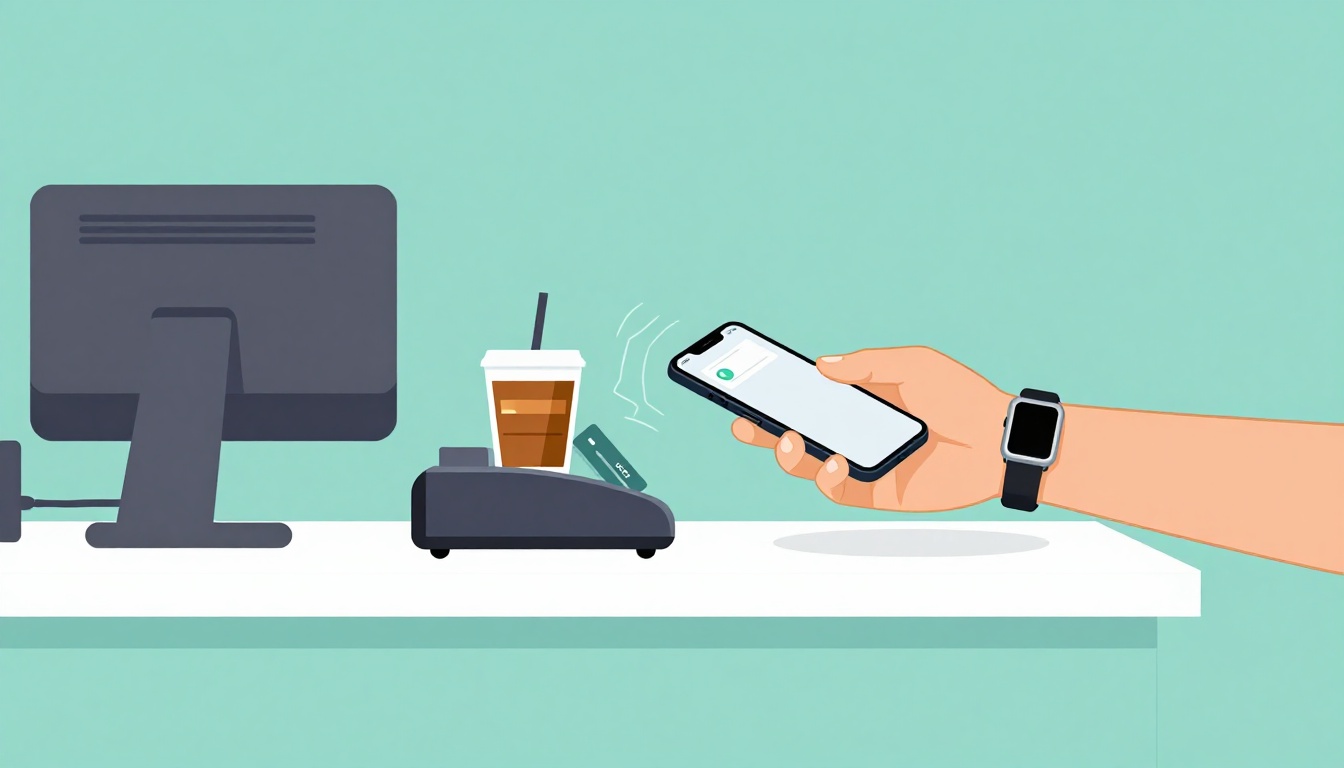
Ever stood in line at a coffee shop, watched the person ahead tap their phone, and thought, “Why can’t I move that fast”? With contactless payments, you can pay by holding your card, phone, or watch close to the reader. No swiping. No fishing for cash.
In the U.S., this kind of tap to pay has exploded in popularity by March 2026. A lot of it comes down to speed and convenience, especially after the rush of post-pandemic habits. And it’s not just consumers. Retailers have been rolling out tap readers at a big pace too.
So how do contactless payments work, what can you tap, and how secure is it? Next, you’ll see the simple tap process, the main ways people use contactless payments today, and the security wins that make it feel safer than older card methods.
How Contactless Payments Work in Seconds
Contactless payments use NFC (near-field communication) to send payment info over a very short distance. Think of it like a quick secret handshake between your device and the terminal. You don’t need to “pair” them in a special way. You just tap, and the system handles the rest.
Here’s the basic flow when you tap a card, phone, or watch:
- Hold your device near the reader (about 1 to 2 inches is usually enough).
- The terminal and your device “talk” briefly using NFC signals.
- A transaction-specific code gets sent. It is not your full card number.
- The terminal checks with your bank (or wallet network) to confirm funds and approvals.
- You get a confirmation (a beep, light, or on-screen message), and the receipt prints or sends to your phone.
It feels almost magical because it’s so quick. In many stores, it’s faster than searching through your wallet for the right card or typing a PIN at the register. That speed matters when the line is moving and you’re trying to get out the door.
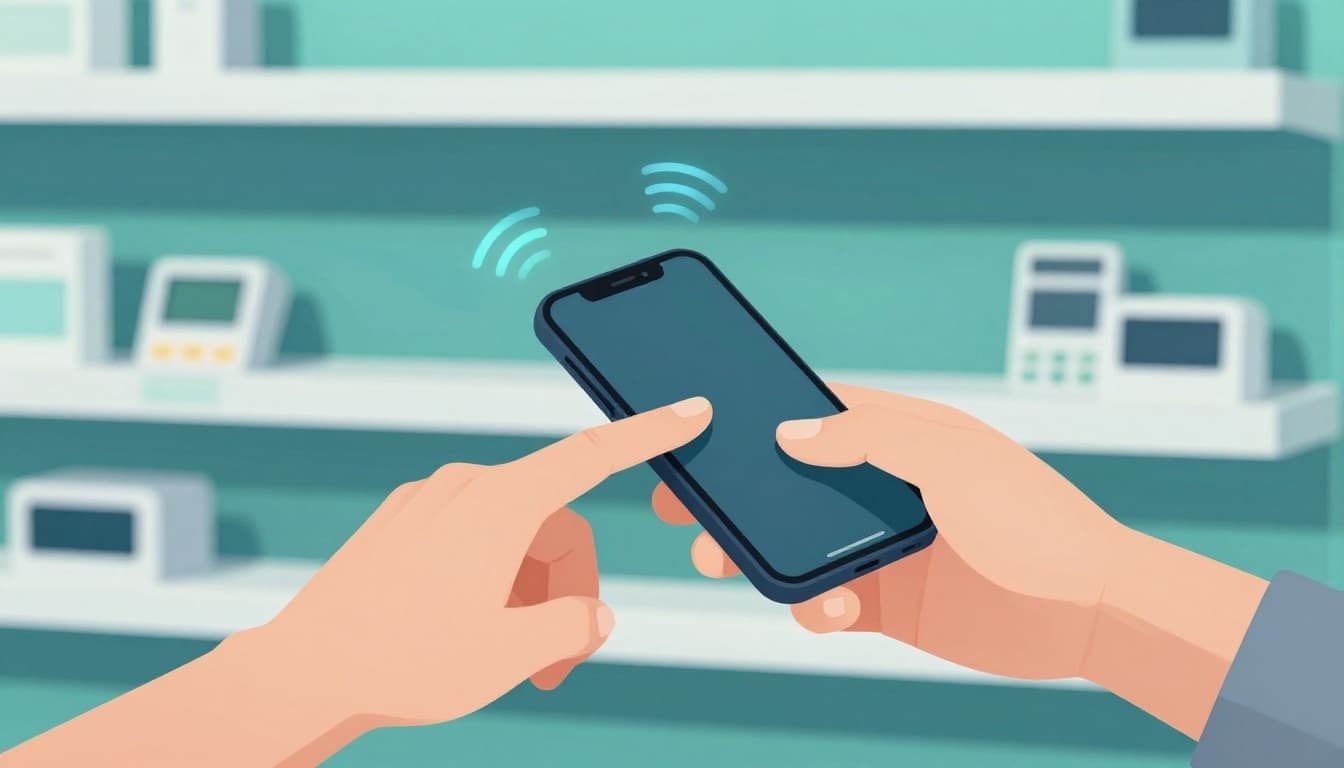
Meanwhile, adoption keeps rising. As of early 2026, nearly 90% of U.S. consumers use contactless payments, and 85% to 90% of retailers accept tap to pay. So if you’ve been waiting for it to become “normal,” it already has in many places.
For a clear, plain explanation of the underlying technology, see how NFC works.
The Tech Magic Behind the Tap
NFC works because it’s built for close range. It usually only works when your device is near the reader. That short distance helps reduce the risk of someone trying to capture data from far away.
Also, contactless payments don’t rely on physical swiping. In other words, you’re not running the old-style magnetic stripe through a slot. Instead, your device shares payment details through NFC, and the terminal handles the back-end approval steps.
You’ll often notice how the tap feels effortless. That’s by design. NFC keeps setup simple, and it speeds up checkout because the payment happens in seconds.
Top Ways People Tap to Pay Today
In 2026, you don’t need just one “right” device. Most people can choose the option that fits their day. Maybe you always carry a card. Maybe your phone is always in your hand. Or maybe your watch runs the show when you’re heading to the gym.
Here are the three most common ways you’ll use contactless payments:
- Contactless debit or credit cards with the tap symbol
- Mobile wallets like Apple Pay or Google Pay on your phone
- Wearables like smartwatches and some fitness bands
You can use them at grocery stores, quick-service restaurants, transit systems, and even some vending setups. Acceptance has widened a lot, and many merchants now offer contactless as a default checkout method rather than an add-on.
One good sign to watch for is simple: if the terminal has a contactless symbol or you see “tap to pay” guidance near it, you’re in business.
Tap Your Card or Phone Wallet Effortlessly
If you’re using a contactless card, look for the contactless symbol on the front. Then you can tap your card at the reader like you would tap a phone. It’s straightforward, and setup usually means nothing more than using the card you already have.
With a phone wallet, you install the wallet app, then add your card. After that, your phone handles the payment flow. In many cases, you also confirm the tap with face ID, fingerprint, or a passcode, depending on your device settings.
For some numbers on how many people use major wallet apps in the U.S., you can check U.S. Apple Pay and Google Pay users. (Some details may require a login.)
If you’re also curious about Apple Pay specifically, this guide has a useful roundup of Apple Pay adoption and usage metrics: Apple Pay statistics for 2026.
Pay with Your Watch or Band on the Go
Wearables add a special kind of convenience. You can tap with your watch when you’re holding your phone, wearing it in a gym setting, or leaving the house light.
If you have an Apple Watch, many apps let you pay with a double-click and a wrist tap motion at the terminal. With other ecosystems, you might confirm in a similar way through the watch itself.
Fitness trackers can also support contactless payments in some cases. They’re handy when you don’t want to bring extra items to the gym. You just check in, tap out, and keep moving.
And because contactless works with close range NFC, the experience stays fast. You don’t need to open an app every time at checkout, as long as your watch and payment setup allow it.
Safe and Secure: Why Tapping Beats Swiping
It’s normal to wonder, “If someone can tap my card, can someone steal it?” The short answer is that contactless payments are designed to be secure, and they tend to be safer than older magnetic-stripe payments.
Here are the big security wins that make contactless payments stand out:
- Tokenization: your real card number is not shared at the tap
- One-time transaction codes: each purchase uses fresh data
- Fraud systems and issuer checks: the bank confirms approvals
- Skimming resistance: there’s no swipe that a criminal device can quietly copy
Also, many contactless purchases follow rules that decide when a PIN is needed. If the amount is over a limit set by your bank or issuer, you may need to enter a PIN. That keeps larger purchases under extra verification.
In practice, this means you get both convenience and guardrails.
For context on how tokenization fits into contactless security, this payment tokenization guide breaks down common token types and why they matter.
The key idea: your tap sends safe substitutes, not your full card details.
One-Time Codes Keep Hackers Out
Tokenization is the piece that many people find most reassuring. Instead of sending sensitive card data, systems use tokens, which are basically stand-ins.
Even then, those tokens act like purchase-specific tools. They can change from one transaction to the next, and they typically expire quickly. That means a scammer can’t just “capture” useful data and reuse it later.
So while contactless payments are easy for you, they are harder for attackers. The process is built to reduce the value of any stolen data.
Why Go Contactless: Wins, Limits, and the Future
So why does tap to pay feel like it keeps spreading? Because it solves real daily problems.
First, it’s fast. You spend less time at checkout. Second, it’s low-fuss. You don’t need cash, and you don’t need to remember your last card position in your wallet. Third, it’s more touch-friendly. You tap near the reader and move on.
In addition, acceptance keeps growing. As of early 2026, contactless isn’t rare. It’s common enough that many people now choose it by habit. In one set of U.S. results from this period, 53% of adults prefer contactless for in-store shopping, and that jumps to 65% among Gen Z.
Still, contactless isn’t perfect in every situation.
| Benefit | What to watch for |
|---|---|
| Faster checkout | Some purchases may require a PIN over set limits |
| No swiping or cash | Rare terminal errors can happen, especially in older systems |
| Convenient when you’re busy | If your battery dies, your phone wallet may not work |
The future also looks solid. In 2026, more merchants accept contactless, and more people rely on wallets and wearables. It’s becoming a standard option rather than a special feature.
That said, you’ll still want a backup. Keep a physical card in your wallet, or have a second payment method ready. It’s a small habit that saves time when tech acts up.
Finally, if you haven’t tried it much, now’s a good time. Tap is getting more common, and the experience improves as terminals update.
Quick pros and cons before you rely on it
Pros:
- Speed at checkout when lines are busy
- Convenience if you travel light
- Security upgrades versus older swipe methods
- Wearable support if you prefer minimal carry
Cons:
- Transaction limits can trigger a PIN for larger buys
- Occasional terminal glitches might require chip or swiping alternatives
- Phone battery risk if you rely only on your wallet
Conclusion
Contactless payments let you pay by tapping your card, phone, or watch near a reader using NFC. In other words, tap to pay trades slow swiping for a short, secure exchange that usually finishes in seconds.
You get practical security, too. Tokenization and one-time codes help reduce exposure compared to older swipe systems. And because so many U.S. shoppers and retailers use it in 2026, you’ll run into tap readers almost everywhere.
Next time you’re at checkout, look for the contactless symbol and give it a try. Then set up your preferred wallet (Apple Pay or Google Pay) so you can tap confidently the next time you’re in a hurry.