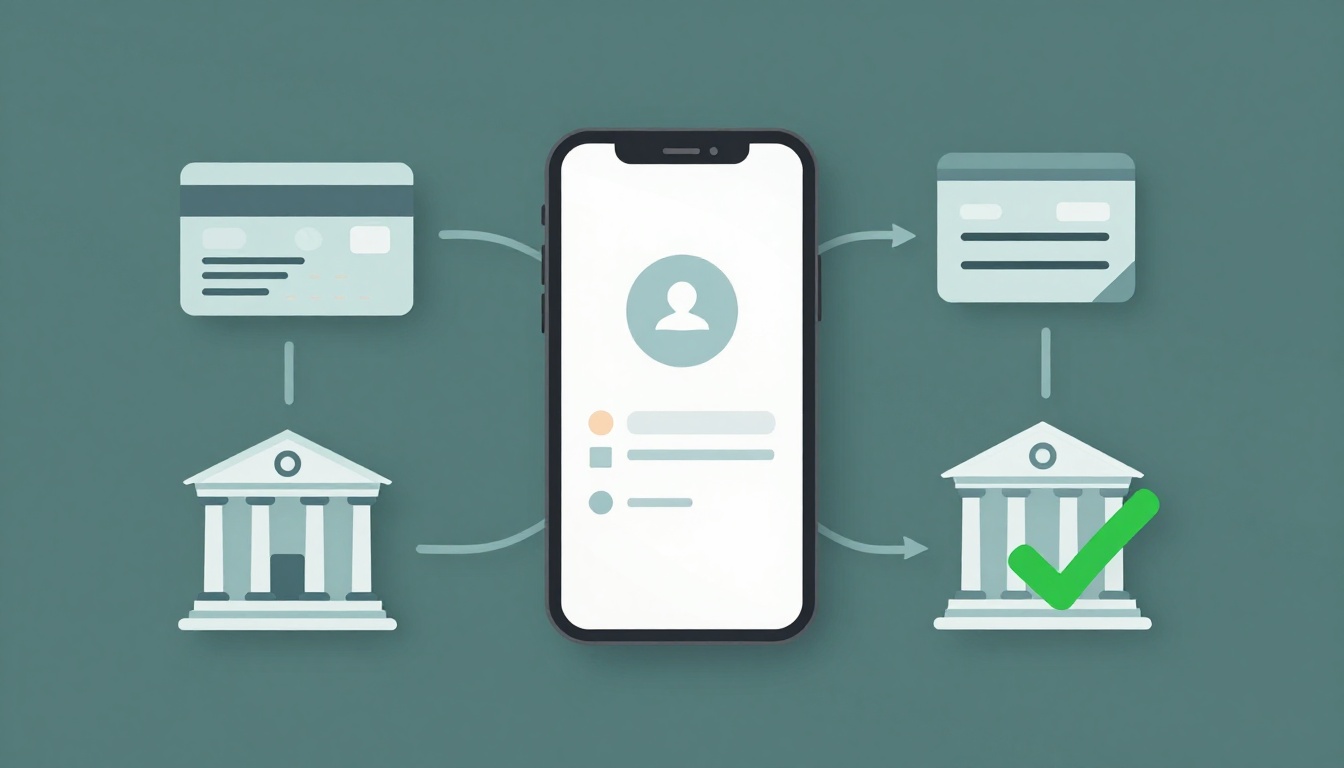
You buy shoes online, hit Pay, and then comes the nerve-wracking pause. That split-second wait feels like it should last forever. But behind the scenes, your payment moves through a clear chain of checks.
Knowing what happens when you pay online step by step helps in three big ways. You can spot scams faster, understand why payments sometimes slow down, and pick the method that fits your situation.
Next, you’ll see each stage of the process, from choosing a card or wallet to getting a “payment successful” message. You’ll also learn what to do when something fails, because most fixes are simple.
Step 1: You Pick a Payment Method and Share Your Details
First, you reach the checkout screen. Then you choose how you want to pay. Most sites offer several options, such as credit or debit cards, digital wallets like Apple Pay or Google Pay, BNPL (buy now pay later), or bank transfers.
Next, you enter the details that match your choice. For card payments, that usually means the card number, expiration date, and CVV. For digital wallets, the process often relies on your device’s biometrics (like face scan or fingerprint). For bank transfers, you may enter routing and account details.
At this point, you’re not “sending money” yet. You’re starting a secure request. In a way, it’s like placing your purchase slip into a locked envelope. The checkout page collects what it needs, then the payment rails take over.
If you want an example of how an online payment flow usually looks, see how to make an online payment at Marquette University. It’s not the same as every store, but the core idea is the same: you submit payment details through a secure form.
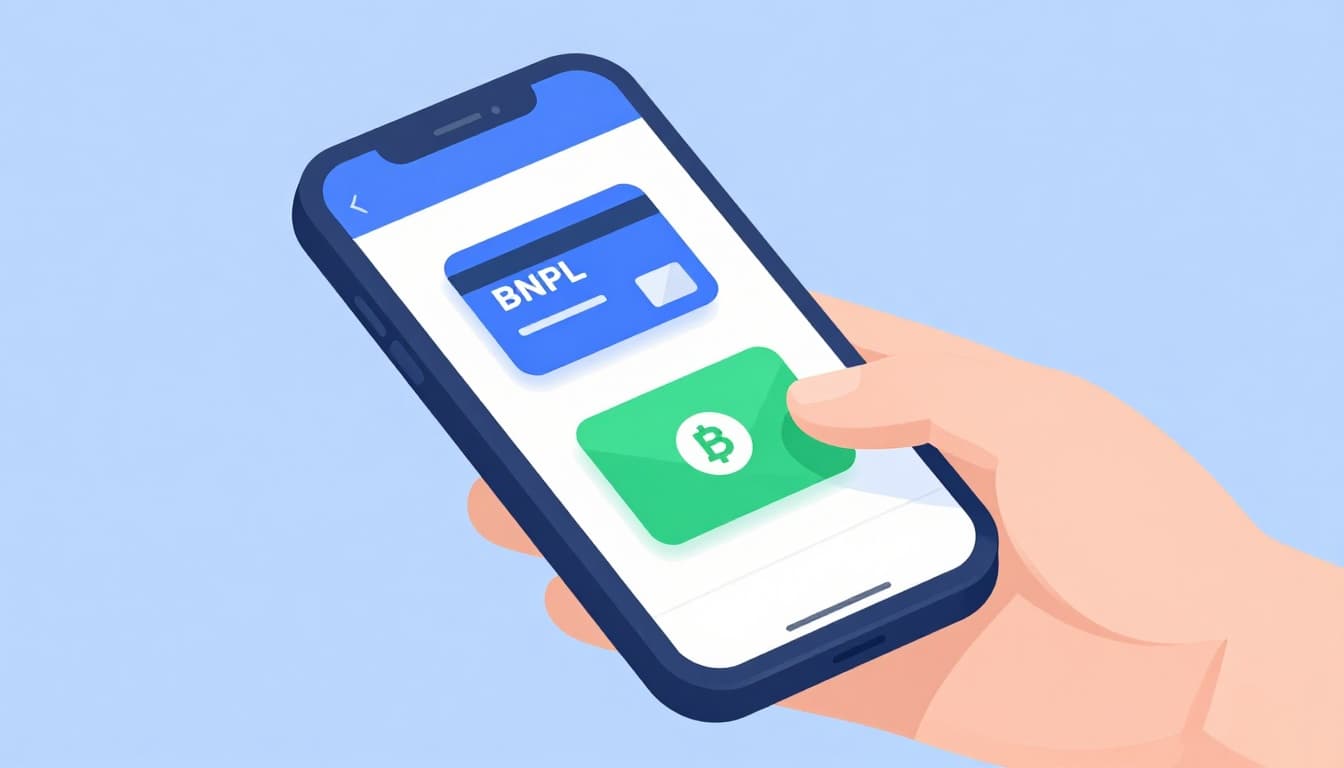
Before you submit, a helpful habit is to double-check your entries. If something goes wrong, screenshots of the checkout stage can save time later.
Why Your Choice Affects Speed and Safety
Your payment method changes both friction and risk checks. For example, cards are widely supported, but you may run into extra authentication like 3D Secure. Wallets often feel faster because your device already verifies you.
Here’s a simple comparison:
| Payment method | Typical speed | Common safety step | When it’s a good fit |
|---|---|---|---|
| Credit/debit card | Medium | 3D Secure (sometimes) | Rewards, one-time buys |
| Digital wallet (Apple Pay, Google Pay) | Fast | Device biometrics | Quick checkout, repeat purchases |
| BNPL | Medium | Provider approval | Big-ticket items in installments |
| Bank transfer | Slowest | Bank transfer rules | Lower fees, non-urgent payments |
The 2026 trend is clear: wallets keep gaining share. In 2024, digital wallets handled 53% of all transactions worldwide. That kind of momentum usually shows up at checkout, too.
Step 2: Data Zooms Securely to the Payment Gateway
Now your payment details get protected before they travel. In most modern flows, the data gets encrypted and sent to the merchant’s payment gateway. From there, it routes to the payment processor and then toward the issuing side (your bank or card network partner).
This step happens very fast, often in milliseconds. Still, the security part matters. Encryption works like locking your envelope before it enters the mail system. Even if someone intercepts the message, they can’t read the details.
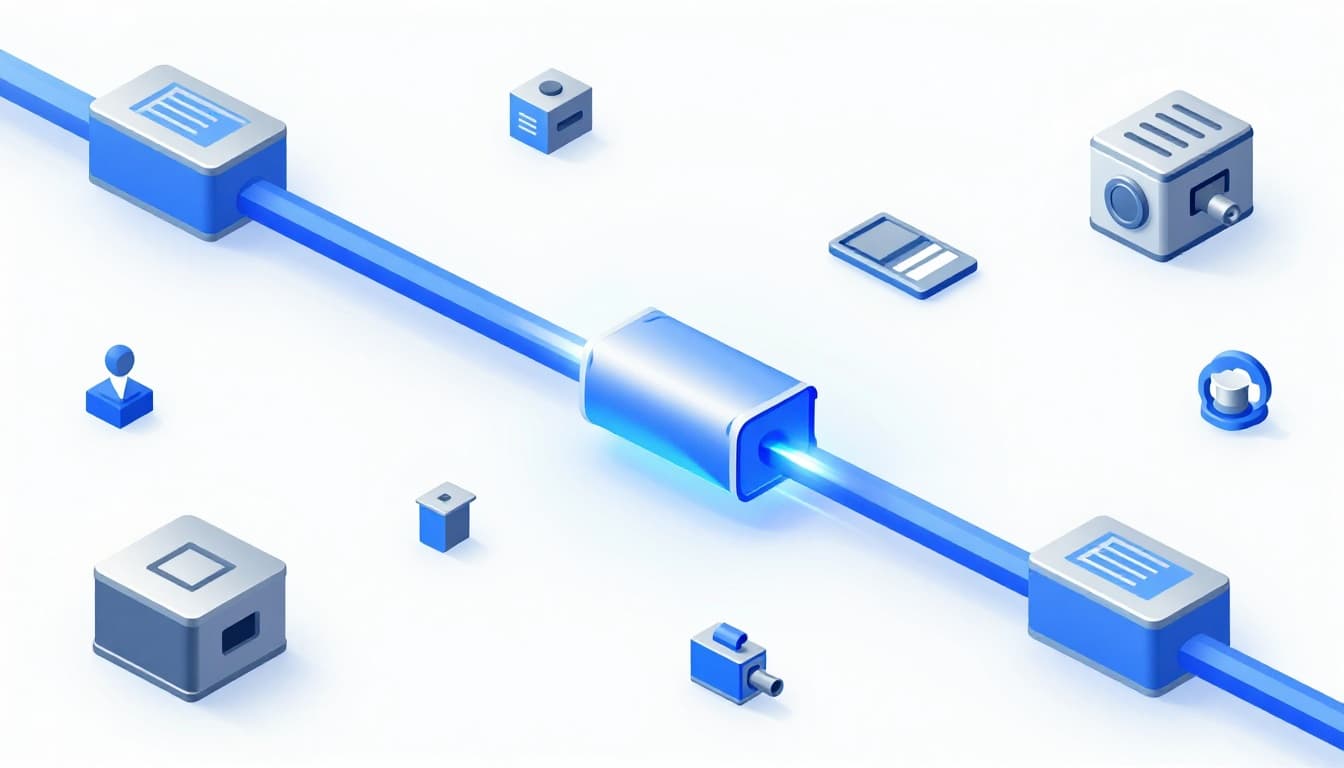
If you want a non-scary walkthrough of what gateways do, this payment gateway glossary from BAMS breaks down common terms you’ll see during checkout and processing.
What the Payment Processor Does First
Before your bank gets involved, the processor usually runs basic checks. These can include fraud signals, transaction patterns, and device clues. Then the processor sends an authorization request onward.
For wallet payments, you’ll often see a tokenization approach. Tokenization means the store typically doesn’t handle your full card number. Instead, it uses a safer token that represents your payment method.
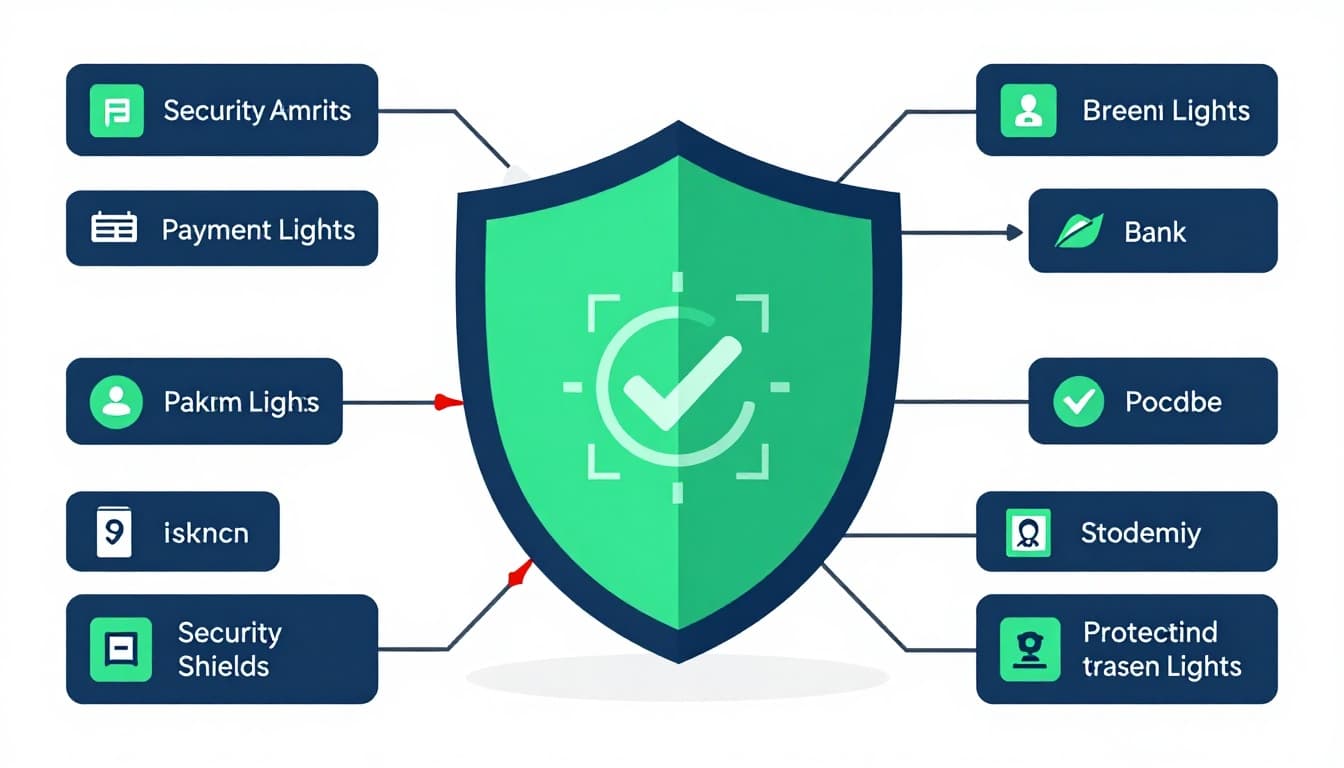
Step 3: Security Shields and Bank Green Lights
Next comes the “green light” decision. Your issuing bank checks whether the funds are available and whether the transaction looks legitimate.
Many card online purchases trigger 3D Secure 2.0. That’s the step where your bank may ask for a one-time code, an app push, or a quick biometric check. Sometimes it approves silently, especially if the risk looks low.
When people think payments are either “instant” or “failed,” they miss what’s happening in between. Authorization can still take seconds, even when you don’t see extra steps.
The goal of 3D Secure is simple: shift scam risk away from the merchant when authentication happens.
If you want a clear explanation of 3D Secure 2.0 and why it matters, Chargebacks911’s breakdown of 3D Secure 2.0 is a good, practical reference.
How 3DS Keeps Your Money Safe
Think of 3D Secure like an extra password from your bank. Instead of trusting every checkout attempt, your bank confirms it’s you (or it decides it’s low risk). If a scam happens, liability rules can shift based on whether authentication occurred.
In 2026, the biggest change is smoother verification. Biometrics and app-based approvals help reduce the “type a code” moment, so legit buyers don’t lose time.
Step 4: Funds Shift from Authorization to Settlement
Once your bank approves, the system usually creates an authorization hold. That means the money isn’t fully “paid out” yet. It’s more like the bank says, “We’ll set this aside,” pending final settlement.
Settlement is the final movement of funds from the payment network to the merchant’s bank account. Depending on the rails, it can be quick or it can take days.
Here’s an everyday analogy: the restaurant first holds your card at checkout. Later, they charge for the meal. Online works in a similar rhythm, just faster and behind the scenes.
Real-Time Payments: The 2026 Game-Changer
In 2026, real-time payment networks are expanding fast. These systems can settle in seconds and work around the clock. That matters for refunds, instant payouts, and time-sensitive purchases.
In the US, both RTP and FedNow support real-time payments. By Feb 2026, RTP hit 2 million+ daily transactions and logged a $1.3 trillion 2025 total value. FedNow had 1,500+ participants in all 50 states by Oct 2025, with volume up 645% year-over-year over a recent period.
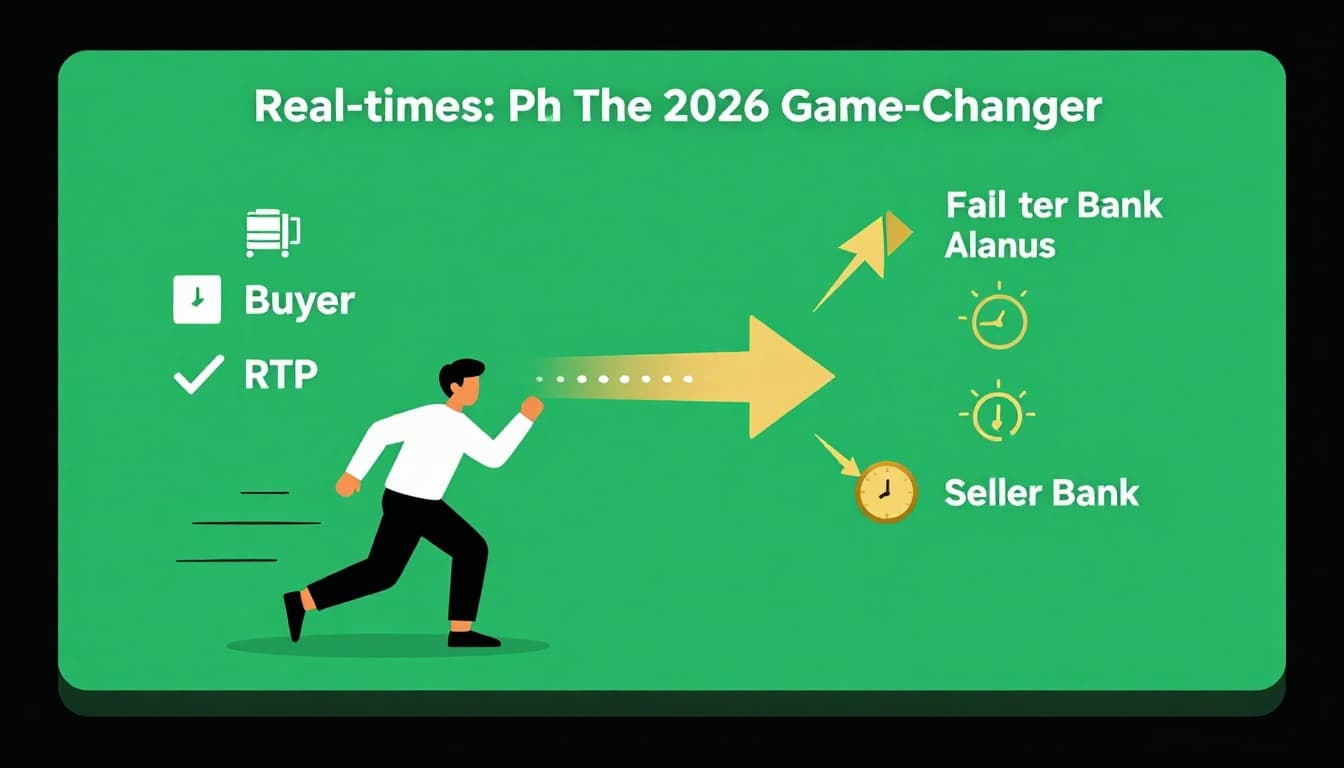
For shoppers, the result is simple. Payments can feel more immediate, and delays due to weekends or batch timing get less common.
Step 5: Confirmation Hits and You’re Done
Finally, you see the result. Most sites show a “payment successful” screen, then send a receipt by email. Many banks also update your available balance (or show a pending charge).
At this stage, keep proof. Save the confirmation email, and screenshot the success page if you can. If you later need to dispute a charge, your receipt makes everything easier.
Meanwhile, many apps can show the purchase in your order history and sometimes in your bank feed. That helps you confirm the transaction without guessing.
Popular Ways to Pay Online and When to Use Each
Different methods fit different moments. Use this table to choose quickly next time you check out.
| Payment method | Key upside | Key downside | Best for |
|---|---|---|---|
| Cards | Widely accepted, rewards | May need 3D Secure, possible holds | Everyday shopping |
| Digital wallets | Fast, often fewer steps | Not always available for every merchant | Quick checkout, repeat buys |
| BNPL | Easier cash flow | Fees possible if you miss plans | Larger purchases |
| Transfers | Often lower cost | Slower timing | Non-urgent, planned payments |
If you’re buying something small, speed matters most. If you’re buying something expensive, choose the method that gives you the smoothest authentication.
What If Your Payment Fails? Common Fixes
A failed payment can feel scary, but most failures have simple causes. Here are common problems and what to try next.
- Declined card: Check your balance and limits, then try again. If it still fails, switch methods.
- Wrong card details: Re-enter the number, expiration date, CVV, and billing ZIP.
- 3D Secure prompt didn’t complete: Follow the bank step again, sometimes from the bank app.
- Not enough funds due to holds: Wait a short time, then try again if the hold clears.
- Network or site glitch: Refresh, try a different browser, or try later.
- Fraud block from the bank: If your bank flags the purchase, you may need to verify it by phone or in-app.
If you want a quick way to think about it, treat checkout like a short trip. If one road is closed, there’s usually a detour.
Conclusion
When you pay online, you’re not just clicking a button. You’re starting a secure chain of steps: method selection, encrypted routing, authentication, authorization holds, and then settlement.
Most problems happen early, so checking details and completing 3D Secure can fix a lot. Also, real-time payments in 2026 help reduce delays and improve timing.
Next time you shop, pay attention to the method you choose. Your future self will thank you, especially when everything goes right. Have you ever had a payment fail, and what fixed it? Share it in the comments.