You tap your card at a coffee shop and get an instant “approved.” It feels almost magical, but a lot happens in the background.
Behind the scenes, your payment travels through a chain of systems that decide if the charge is allowed, then arrange how money moves later. If something looks off, those same systems help stop fraud early.
Most people only see two moments: approval on the screen, then money showing up (or not) on a bank statement. Yet the work behind card payments happens in phases, usually split into: authorization, clearing, and settlement.
Here’s the path your transaction takes, from the first contact with the terminal to the moment the merchant finally gets paid.
The Moment You Pay: Starting the Secure Hand-Off
When you tap, dip, swipe, or enter card details online, the point-of-sale (POS) terminal or checkout app kicks off the process. Think of it like a relay race. The terminal hands the baton to systems that can verify you and the purchase.
For an in-store tap (contactless), the terminal uses NFC. It reads your payment credential, then sends the purchase info like the amount and merchant ID. For a chip transaction, the EMV chip starts a secure session. For online shopping, the checkout creates a payment request that’s ready for authentication.
Right away, the system focuses on safety. Instead of sending raw card details everywhere, modern flows use tokenization. That means sensitive data gets replaced by a token that works for payment processing but is much less useful to thieves.
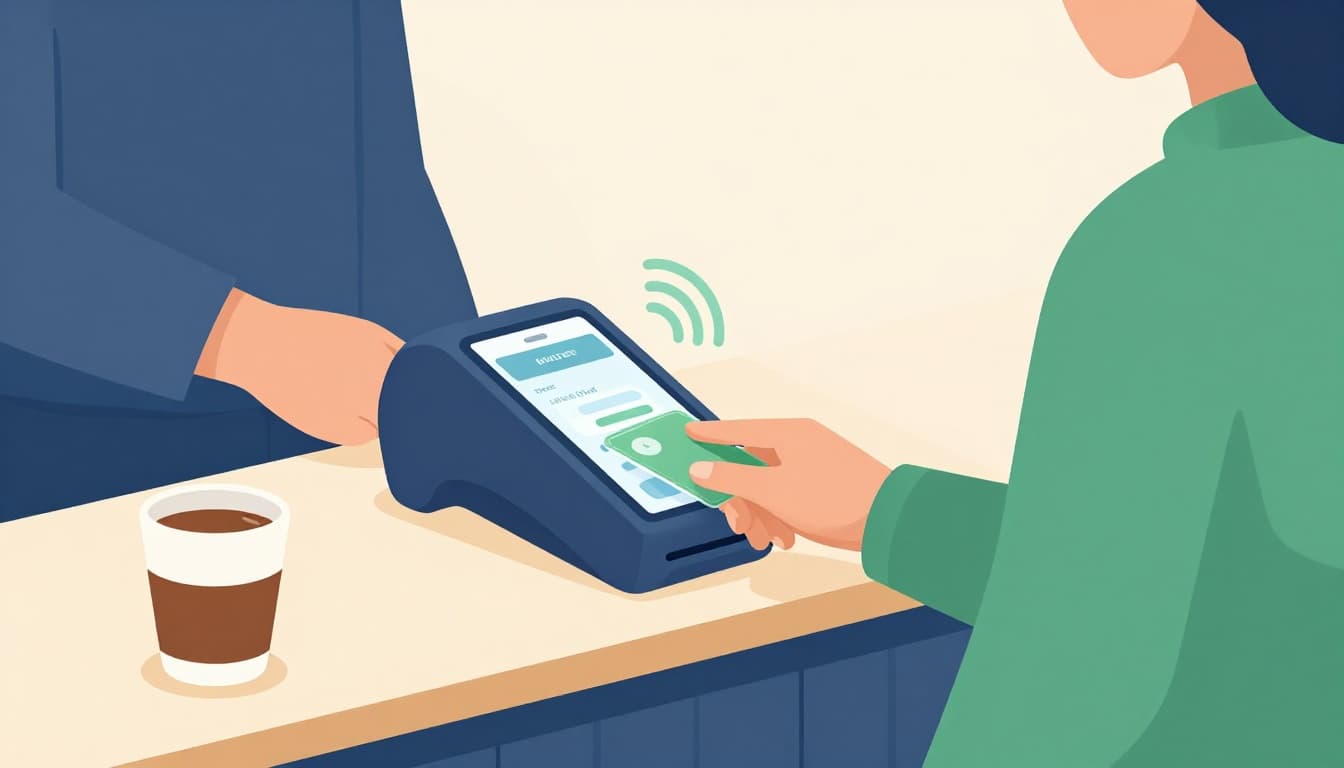
Caption: This first tap triggers secure checks that lead to a yes or no.
Meanwhile, the EMV chip process creates dynamic codes. Each transaction produces a unique cryptogram, so copying an old “valid” read is far harder.
In everyday terms, when you buy groceries, the terminal doesn’t just “send your card number.” It sends a secure proof that the card (or wallet) is real and the purchase is allowed.
How Your Card or Phone Talks to the Terminal
In-store, you might pay with:
- Contactless tap (phone wallet or card with NFC)
- Chip dip (EMV microchip)
- Swipe (less common in new setups, but still possible)
- PIN (often prompted, especially for many card types, amounts, or higher-risk situations)
Contactless works fast. For many small purchases, you might not type a PIN because the payment uses strong chip or token-based proof plus risk checks. The key idea is speed, then verification.
Online is similar, but the “talk” happens through the checkout. The site passes along purchase data and the tokenized credential, then calls for authentication when needed.
EMV Chips and Tokenization Jump In First
EMV chips and tokenization work like a one-time password system. The chip creates a fresh transaction code each time, and tokenization reduces what’s exposed during the process.
If you want a clear technical explanation, EMVCo has a guide on payment tokenization and why it matters: EMV® Payment Tokenisation: What, Why and How.
This matters more in 2026 than ever. US card use keeps rising, and fraud fights back with AI. The payment stack responds by tightening checks while keeping checkout quick.
Bottom line: your card payment doesn’t rely on sharing your raw card details everywhere.
Routing the Request: From Merchant Bank to Yours
Once the merchant’s systems package your request, the payment travels across multiple financial “handoffs.”
Here’s the map-like journey:
- The merchant’s payment processor routes the request to the merchant’s bank (the acquirer).
- The acquirer sends it through a card network (like Visa or Mastercard).
- The network routes it to your bank (the issuer).
- Your issuer decides whether to approve or decline.
This routing step is guided by network rules. Those rules cover format, timing, and security expectations. They also affect fees like interchange, which is part of how card payments stay economically viable.
Credit and debit cards both follow this general pattern. Still, the issuer’s internal rules differ based on the account type and card brand.
Your Merchant’s Acquirer Takes the Baton
The acquirer is the merchant’s partner bank that handles payment accounts. It checks things like merchant setup and whether the request looks valid, then forwards the message to the right network path.
Payment Networks Like Visa Guide the Way
Networks connect acquirers and issuers across regions. They enforce standards, support global routing, and help move messages securely between banks.
Issuer Bank Runs the Key Checks
Your issuer bank looks at your account status and risk signals. It checks available credit or debit funds, then runs fraud checks that consider patterns and context.
For online purchases, a big layer is 3D Secure 2.0. Instead of always forcing a password screen, it can use risk-based signals. Some transactions get frictionless approval. Others may require a challenge.
To understand how 3D Secure 2.0 works for merchants, see: What is 3DS 2.0 and how has it reshaped card payment acceptance?.
Meanwhile, AI fraud tools in 2026 increasingly look at behavior, device signals, and other data points to spot suspicious activity early.
Gotcha: 3D Secure 2.0 can reduce fraud, but it also changes which side bears liability for certain chargebacks.
Approval Flies Back: The Instant Decision
After the issuer decides, the approval response zips back through the same path. It usually takes about 1 to 2 seconds for the customer-facing result.
Your terminal then shows approved or declined with a code. If approved, the merchant can finish the sale. If declined, the merchant typically asks you to try another card or method.
You don’t feel the routing, the checks, or the back-and-forth messages. Yet that decision is why the tap feels instant.
Clearing and Settlement: Delivering the Funds
Authorization is a “yes to try the charge.” Clearing and settlement handle the money movement.
Clearing happens after the sale, often in batches. The systems reconcile what was authorized, confirm details, and calculate totals. Settlement is when funds move from issuer to acquirer and then to the merchant.
A simplified view helps:
| Phase | What it confirms | What the merchant does |
|---|---|---|
| Authorization | “Spend is allowed” | Marks the transaction as approved |
| Clearing | “Totals and details match” | Prepares net amounts and fees |
| Settlement | “Money actually moves” | Gets paid (often same day to a few days) |
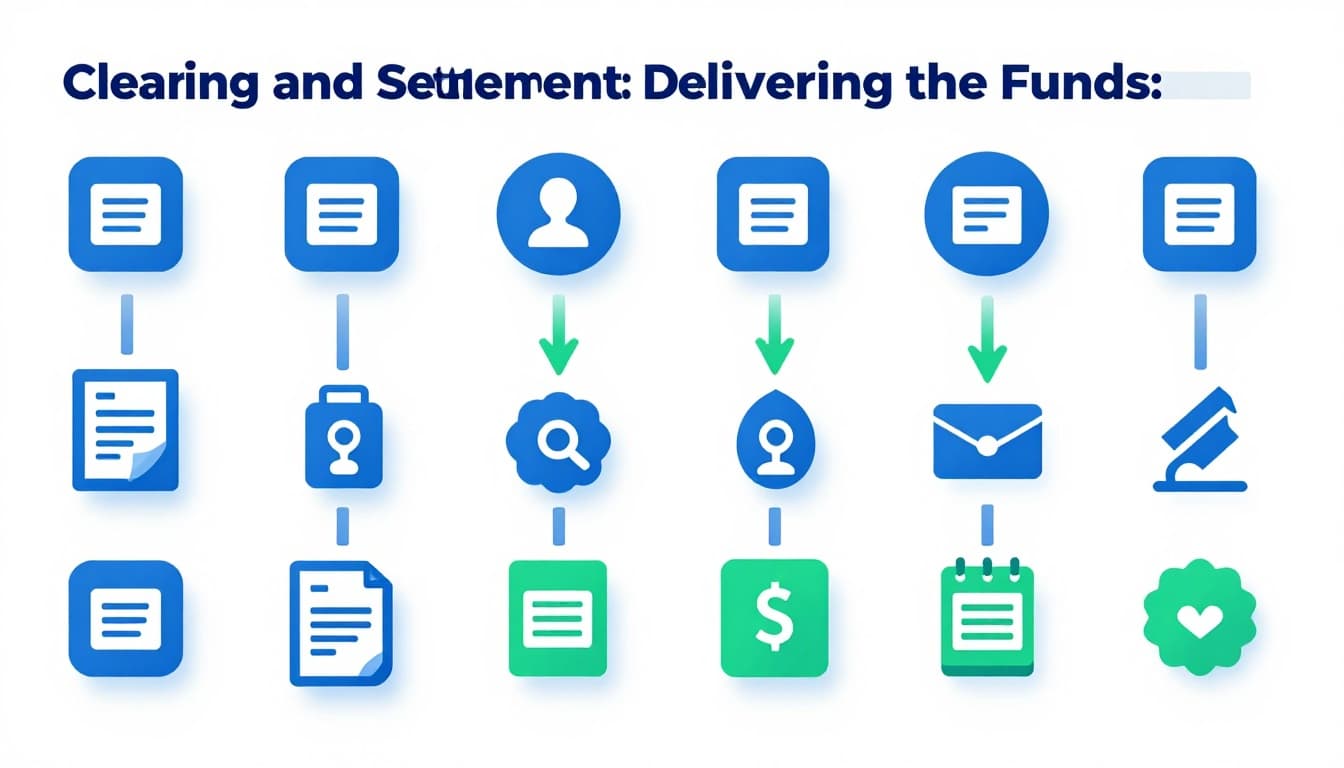
Caption: Batches get reconciled, then payments move to the merchant account.
In practice, settlement timing often lands in a 1 to 5 day window for many merchants. However, instant payment rails like FedNow can support faster movement for eligible flows and setups.
Daily Batch Clearing Verifies Everything
Merchants do not send every tiny approval as separate cash movement. Instead, transactions get grouped, matched, and checked. Any mismatch or failure gets corrected through the payment rails.
Settlement Makes the Money Real for Merchants
Settlement turns approvals into actual funds. In 2026, more payment setups aim to pay merchants faster when systems allow it. AI also helps reduce disputes by improving fraud detection and earlier issue spotting.
Security Layers Protecting Every Step
Card payments rely on multiple defenses layered together. None is perfect alone, so the system stacks protections to reduce risk.
Common layers include PCI compliance for data handling, EMV dynamic cryptograms, tokenization to avoid exposing raw card numbers, and 3D Secure for card-not-present fraud checks. On contactless payments, secure encryption and token usage help protect the credential during the tap.
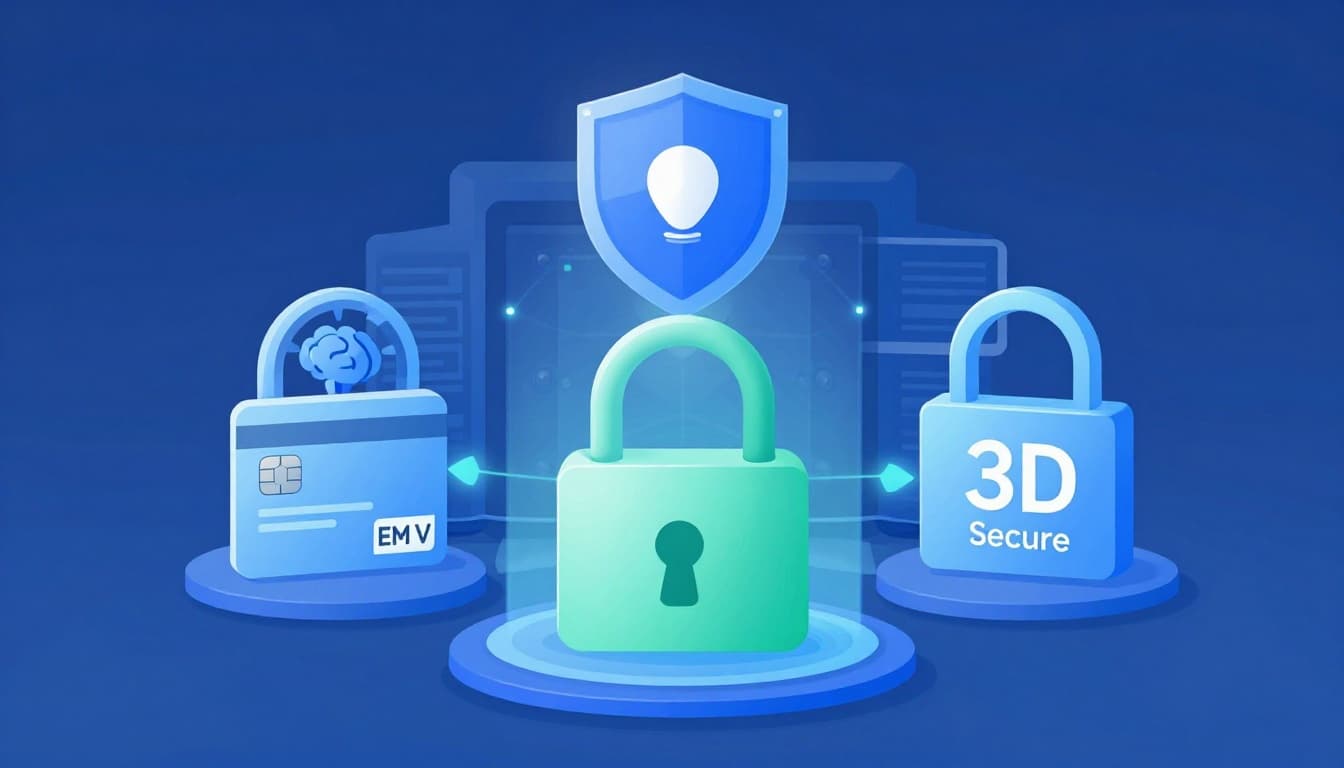
Caption: Security works at multiple points, not just at checkout.
Here are the big ones you’ll feel, even if you never see them:
- EMV and chip cryptograms reduce cloning.
- Token vaults support safer re-use for wallets and subscriptions.
- Risk-based 3D Secure blocks more fraud with less friction.
- AI monitoring flags suspicious patterns earlier.
Online Boosts with 3D Secure and Beyond
Online checkout often adds more checks because card-not-present transactions have higher fraud attempts. 3D Secure 2.0 can step in silently for low-risk purchases. Higher-risk ones trigger a stronger user verification path.
Contactless and Mobile Innovations in 2026
Mobile wallets and tap-to-pay keep growing. In many cases, you’re not typing card numbers at all. Instead, your phone sends a tokenized credential, which means less sensitive data travels.
Also, fraud detection keeps shifting. AI models adapt as attackers change tactics. So each approval becomes a data-backed decision, not a blind guess.
Conclusion
That “approved” tap is the end result of a system working behind your screen. First comes authorization, then clearing, then settlement. Each phase helps confirm the purchase and move money safely.
The biggest takeaway is trust through invisible checks. EMV, tokenization, 3D Secure, and smarter fraud tools all work together, so the payment feels easy while risk stays low.
Next time you pay, pause for a second. Do you remember how fast it happened? If you’ve ever had a decline, what showed up on the terminal, and how did you fix it? Share your experience or question in the comments.