Have you ever sent money online and then wondered, “What if someone steals it mid-send?” Encryption is the main reason that stolen data usually turns into useless gibberish.
In simple terms, encryption protects transactions by scrambling readable info into unreadable text. Only the right key can turn it back. That matters when you pay online, log into banking, or send crypto.
Because attackers can still copy data while it travels, encryption focuses on one job: make copied data worthless. Next, you’ll see how plaintext becomes ciphertext, and why the two big encryption types matter for real payments.
Encryption Basics: Turning Your Private Info into Unbreakable Code
Encryption is a way to protect data while it moves between two computers. That could be your phone and a bank. It could also be your laptop and an online store.
Here’s the core idea: plaintext is normal readable data. It might be card details, a login, or a transaction amount. Ciphertext is the scrambled version, created by an encryption algorithm plus a key.
Think of it like writing a message in code. If you don’t know the rule (the key), you can’t read it. Even if someone intercepts the ciphertext, it doesn’t tell them anything useful.
A quick example makes the point. Suppose you shift letters by 3. Then “Hi” becomes “Kl”. That’s weak encryption, but it shows the pattern. Real encryption uses much more complex math, not simple letter shifts.
In real systems, encryption keys are huge numbers chosen to make guessing them impractical. Also, modern algorithms are designed to prevent shortcuts. In other words, there’s no easy “try common keys” path.
Why does this matter for transactions? Because payment data is sensitive. If it leaks in transit, fraud gets easier. If it gets encrypted, the attacker can still steal packets, but they can’t read them.
For a deeper look at why AES is trusted for protecting data at scale, see AES 256 Encryption Decoded. It explains what “encryption strength” really means, and why key handling matters as much as the algorithm.
Encryption doesn’t stop copying. It stops reading.
Finally, remember one more thing: encryption is only useful when both sides can correctly lock and unlock data. That’s where symmetric and asymmetric encryption come in.
Symmetric Encryption: Fast Locks with a Shared Secret
Symmetric encryption uses one key for both locking and unlocking. Because it’s simple, it’s also fast. That makes it a great fit for encrypting the heavy payload in a transaction, like payment details.
In real payment systems, symmetric encryption usually happens after a secure “key exchange” step. Then the same shared secret key protects the actual data.
If you’ve ever wondered why you see fast performance even when HTTPS is on, symmetric encryption is part of the reason. It handles large chunks efficiently.
AES, or Advanced Encryption Standard, is the main algorithm you’ll hear about. In 2026, AES is commonly used with 256-bit keys. That’s often described as “AES-256”. While “unbreakable” is not a promise, AES-256 is designed to be extremely hard to crack with today’s computing.
Also, even with future risks like quantum computers, AES has some built-in safety margins. Quantum algorithms can speed up guessing in some cases. Still, AES-256 remains strong enough in practice because the effective security drops but stays high.
For example on your phone: imagine your banking app encrypting a small file for secure storage, or encrypting data before it sends it. The app and the server use the same symmetric key (or the same session key) so the data stays protected during travel.

The catch: sharing the key is the hard part
If you use symmetric encryption, both sides must already have the key. So you can’t just email the key like a sticky note.
That’s why payment systems combine symmetric encryption with asymmetric encryption. Next, you’ll see how public and private keys make that key sharing safer.
Asymmetric Encryption: Public Doors with Private Keys Only You Hold
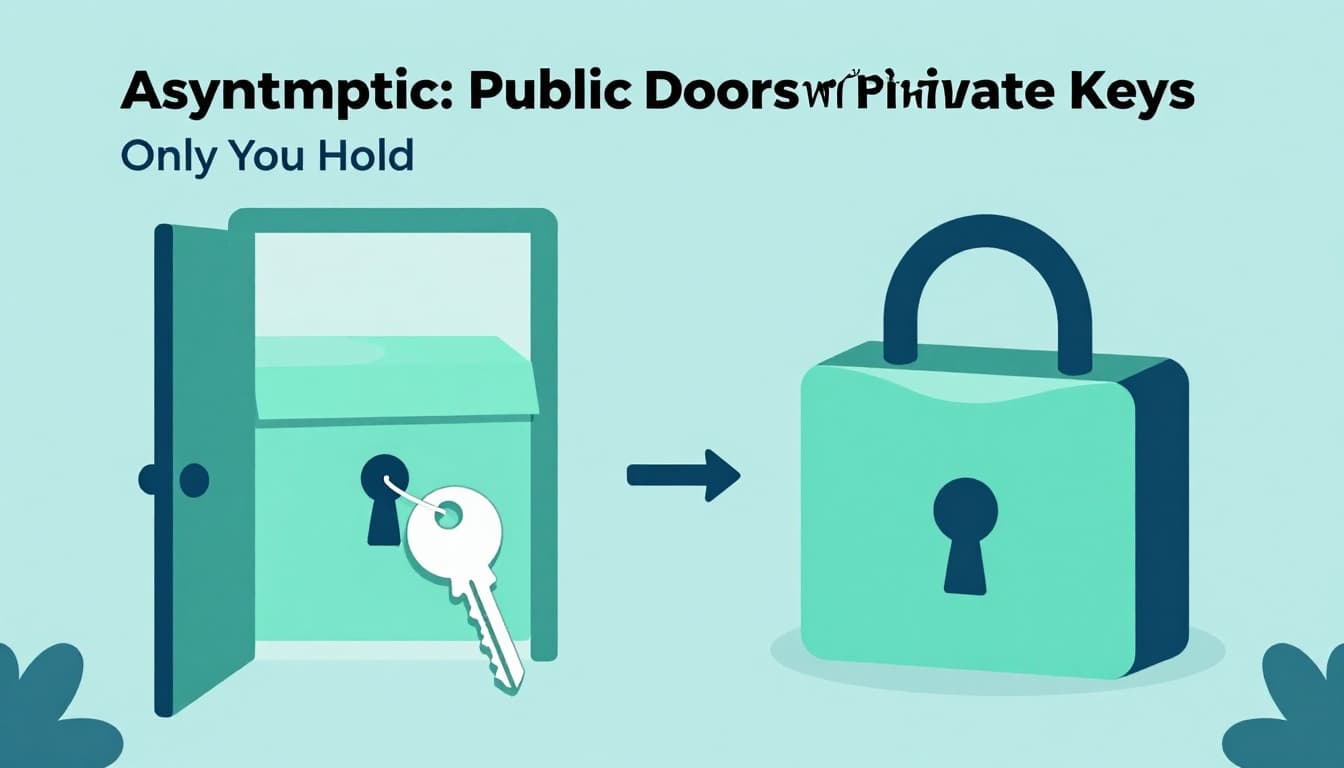
Asymmetric encryption uses two keys. A public key locks data. A private key unlocks it. The public key can be shared widely, but the private key must stay secret.
This design solves the key-sharing problem. Instead of sending a shared secret key, a sender can use the recipient’s public key to lock data. Only the recipient can unlock it with the matching private key.
RSA and ECC are two common types of asymmetric cryptography you’ll see in real systems. RSA uses hard math tied to big prime numbers. ECC uses elliptic curves, which can provide similar security with smaller keys.
Here’s the practical reason for transactions: the system can safely establish a shared symmetric key for the session. Then it encrypts the actual transaction data using fast symmetric encryption.
Also, these systems don’t just protect secrecy. They can support identity checks via certificates and signatures. That’s how your browser knows it’s talking to the real bank or store, not a fake copy.
If you want a clear explanation of how RSA, ECC, and PKI fit together, check Asymmetric Cryptography: RSA, ECC & PKI Explained. It also helps connect keys to certificates, which show up in HTTPS.
Public key means “share this.” Private key means “protect this.”
Why this matters for security today
Asymmetric encryption is critical for setting up secure sessions. But it also faces future pressure from quantum computing.
In 2026, many experts say RSA and ECC will be vulnerable once large quantum computers exist. That’s one reason the industry is moving toward post-quantum cryptography for key exchange and signatures.
Now let’s connect the theory to real payment flows.
How Encryption Teams Up to Secure Your Online Shopping and Banking
When you buy something online, encryption protects more than the payment screen. It protects data from your device to the store’s server, and it helps prevent tampering.
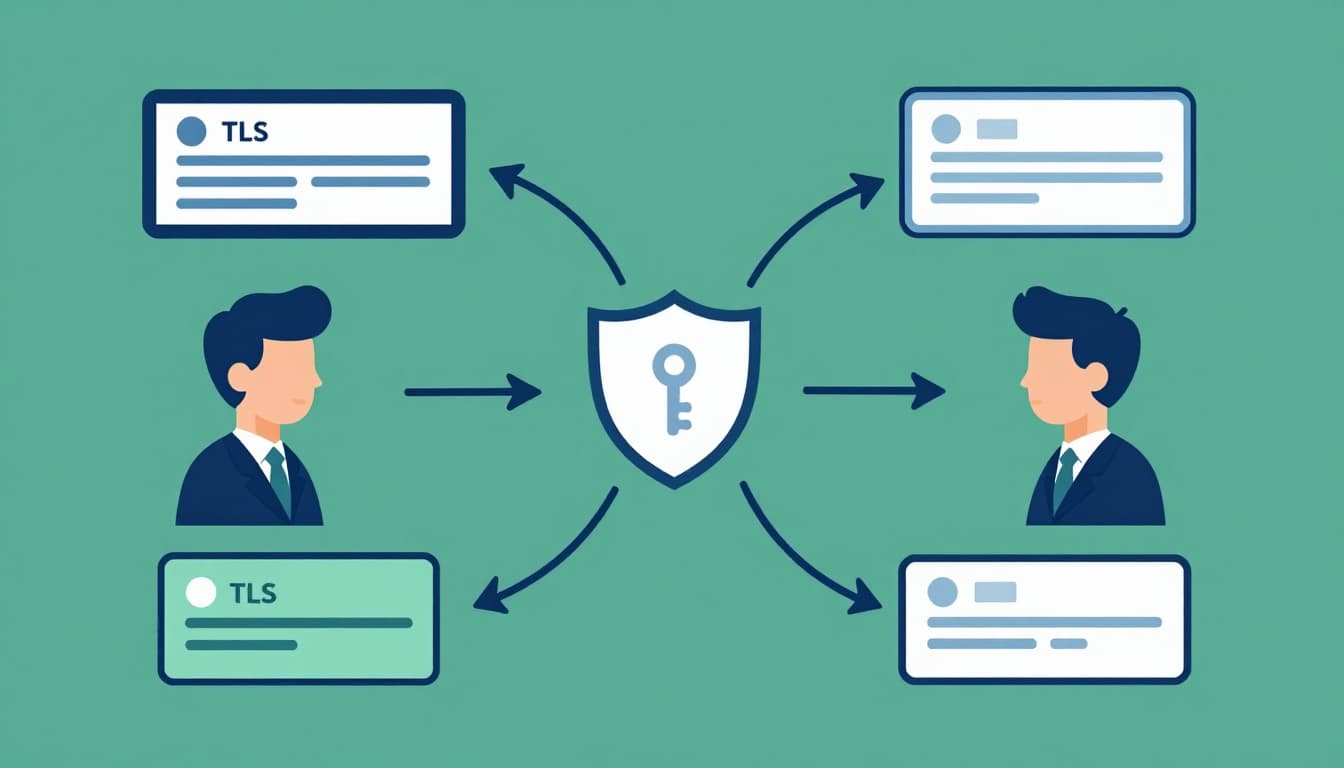
The most common setup is HTTPS, which uses TLS (Transport Layer Security). TLS handles the secure setup, then it uses symmetric encryption to protect the session data.
Here’s the “big picture” flow you can picture:
- Your browser and the server agree on encryption rules.
- They exchange keys using asymmetric cryptography.
- They derive a shared session key.
- They encrypt the transaction with a fast symmetric cipher, like AES.
Because attackers can watch the network, they might capture ciphertext. But they won’t get plaintext like card numbers or login tokens. Instead, they see scrambled data.
Also, TLS 1.3 is now the standard for online banking and shopping. In mid-2025, about 70% of websites supported it. It’s also widely preferred by modern browsers and servers.
TLS 1.4 is not deployed yet as of early 2026. Still, it’s being worked on, including ideas like stronger protections and post-quantum improvements.
Let’s break down what happens when you check out.
The Secure Handshake: Building a Secret Channel in Seconds
The TLS handshake is the moment your browser and the server “talk” securely. It happens in milliseconds, but it does heavy lifting.
During the handshake, asymmetric encryption helps establish a shared secret. Then symmetric encryption secures everything afterward. Modern browsers and servers handle this automatically.
A helpful way to understand TLS at work is this guide on HTTPS TLS handshake basics. It explains why there’s a setup stage before your payment data moves.
Here’s a simplified step-by-step of what your device and the site do:
- You connect to the site (for example, the store checkout URL).
- The server sends a certificate, proving it owns the site’s public key.
- Your browser verifies the certificate, using trusted certificate authorities.
- They agree on the TLS version (often TLS 1.3 today).
- They use asymmetric crypto to help build a shared session key.
- They switch to symmetric encryption for the rest of the session.
- Your checkout data gets encrypted as it travels, then decrypted only on the server.
As a result, a hacker who taps into Wi-Fi traffic can capture encrypted packets. However, without the session key, the captured data stays unreadable.
For another plain-language look at what the handshake is doing, you can also see TLS Handshake Explained: How HTTPS Works. It’s useful for building mental models.
Real-World Wins: From Amazon Carts to Bitcoin Transfers
Encryption shows up in everyday places.
For online shopping, HTTPS encrypts your checkout. That includes fields like your shipping details and payment info. You also see a padlock icon when the site uses TLS.
For banking, TLS protects logins and transfers. Banking apps also use encryption inside their systems. That helps protect data at rest and in transit.
Crypto payments use similar ideas, plus extra cryptography for wallets and signatures. A typical wallet process includes signing a transaction with a private key, then broadcasting it. That’s not the same thing as TLS secrecy, but it still comes down to “private keys must stay private.”
Here’s a 2026 reality check: quantum computers may one day weaken some older crypto. That’s why banks and exchanges push for planned upgrades.
Post-quantum plans also help against “harvest now, decrypt later.” Attackers might collect encrypted data today, then decrypt it later when they have better tools. Post-quantum algorithms aim to reduce that risk.
Also, certificate handling keeps changing. Starting March 15, 2026, new certificates can be valid for up to 200 days instead of 398 days. Shorter lifetimes can reduce exposure if a certificate ever gets misused.
So yes, encryption is not only about math. It also includes operational habits that reduce failure risk.
Looking Ahead: Encryption’s Fight Against Tomorrow’s Tech Threats
Encryption in 2026 is strong, but it’s not “set it and forget it.” The big threat is quantum computing.
Quantum machines could break RSA and ECC when they become powerful enough. Meanwhile, AES is still viewed as safe for now, though key exchange also matters.
That’s why the move toward post-quantum cryptography (PQC) is accelerating. PQC aims to protect against quantum attacks, even if RSA or ECC fall short later.
In 2024, NIST released post-quantum standards under the FIPS series. These include:
- FIPS 203 (ML-KEM), based on CRYSTALS-Kyber, for key establishment
- FIPS 204 (ML-DSA), based on CRYSTALS-Dilithium, for signatures
- FIPS 205 (SLH-DSA) as another signature approach
By 2026, adoption is increasingly about migration planning. Organizations can’t swap algorithms overnight. They have to test, roll out, and update systems safely.
Some teams also use hybrids during transition. That means using old and new methods together, so security doesn’t depend on one fragile assumption.
If you want a practical overview of CRYSTALS-Kyber and Dilithium in real implementations, this guide from the NIST standards implementation guide for PQC is a helpful starting point.
Meanwhile, current guidance still says AES and today’s TLS are safe enough with proper configs. The goal now is future-proofing, not panic.
The safest time to update encryption is before you need it.
So the big story is simple: encryption protects transactions today, and it’s evolving to stay protective as tech changes.
Conclusion
Encryption is how your browser, bank, and checkout systems turn private data into scrambled text. It keeps attackers from reading transaction details, even if they intercept traffic.
Symmetric encryption makes the actual session fast, while asymmetric encryption helps set up keys safely. Then TLS ties it together, so your online purchases and banking logins get protected automatically.
Looking ahead, post-quantum cryptography is rolling in so today’s systems stay safe against tomorrow’s quantum risk. That’s why checking for HTTPS and using strong account security still matters.
If you want more peace of mind, share this guide with a friend, or drop a comment about where you first noticed the difference encryption made for you.