A scam can start with something small: a “verification payment” for your account. Next thing you know, you’re sending money to the wrong place. In 2024, U.S. consumers lost $135 billion to scams, and $96 billion was unrecoverable.
Payments are everywhere now. You tap to buy coffee, link a card to a subscription, and pay friends with an app. Still, not every payment method protects you the same way. In 2026, AI tools also help scammers fake checkouts, receipts, and even real-looking messages.
So how do you tell safe vs. unsafe payment methods fast? You’ll learn which options usually include strong protections, which ones scammers keep pushing, and what to check before you hit “Pay.”
Let’s make it simple: use safer methods by default, recognize common traps, and make quick checks every time you buy online or in-store.
Safest Payment Methods That Keep Your Money Secure
When you pay with the safest methods, two things happen. First, your real card details stay hidden from the merchant. Second, you often get extra fraud checks before money moves.
Recent industry data points to why tokenization matters. Payment tokenization blocks theft by replacing your card number with a unique code. In one survey snapshot, tokenization adoption reached 72% of merchants.
Here are the safest payment methods to prioritize in 2026.
- Mobile wallets (tap to pay and in-app payments) for tokenized checkout
- Credit cards for strong buyer protections and fraud limits
- EMV chip cards and modern contactless payments for better verification
- Trusted BNPL programs (when you understand the terms and refund rules)
Digital Wallets and Mobile Pay for Everyday Wins
Digital wallets are popular for a reason. They keep your card details out of the hands of random websites and smaller vendors. Instead, they send a token (a stand-in code) for the transaction.
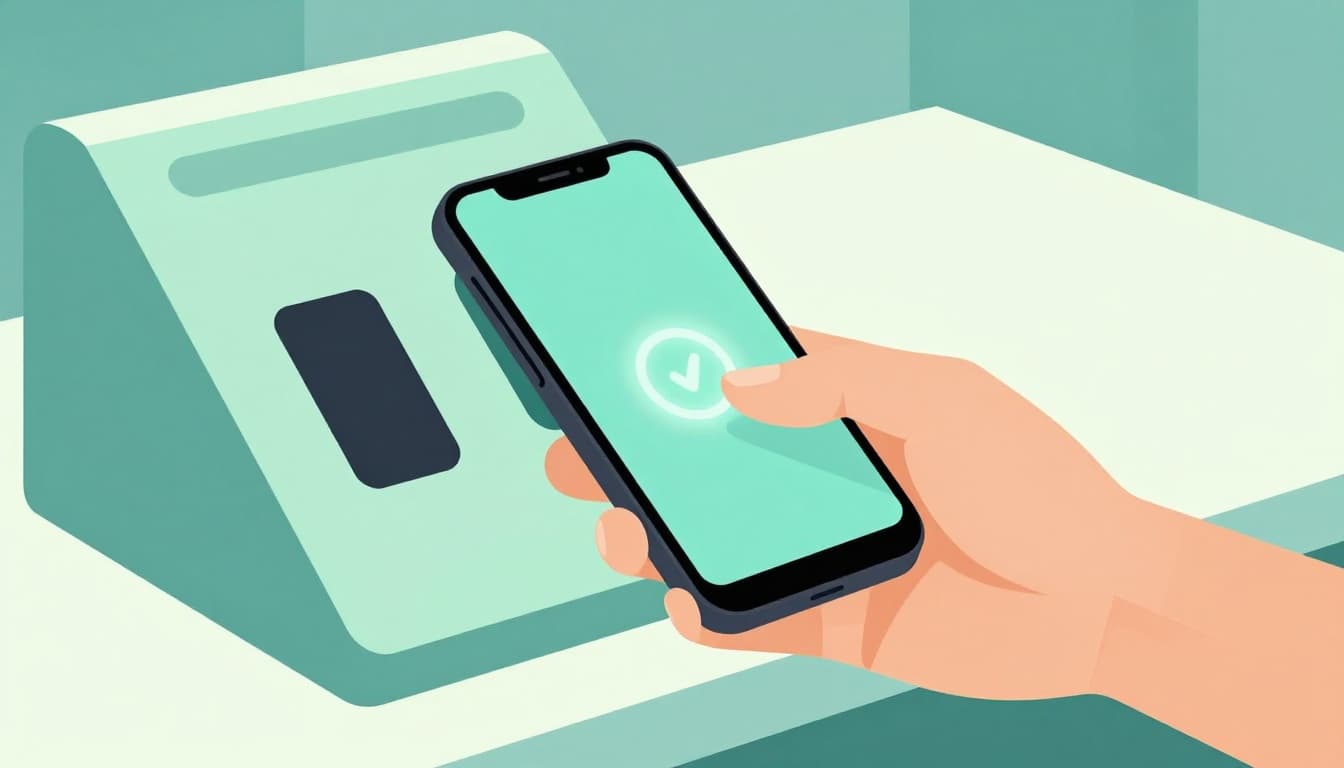
With many systems, you also authenticate with Face ID, Touch ID, a passcode, or your device login. That adds a second layer beyond a stolen card number.
If you want a clear breakdown of how tokenization works in a mainstream mobile wallet, see how Apple Pay uses tokenization. The key idea is simple: the merchant doesn’t need your actual number to charge you.
Digital wallets help in two common settings:
1) In-store purchases You tap your phone or watch at the terminal. Most setups use secure hardware and short-range communication (NFC). That makes “skimming” far harder than with old-style magnetic stripe swipes.
2) Online purchases Many wallet checkouts route you through a trusted payment flow. Instead of handing your raw card number to the site, the wallet handles the secure handoff.
If you’re trying to decide between “enter card details” and “use a wallet button,” pick the wallet. It’s like paying from a locked cashbox instead of pulling bills out in public.
Credit Cards and Chips That Fight Back Against Fraud
Credit cards tend to be safer than debit cards because of how disputes work. If someone steals your credit card and makes unauthorized charges, your liability often gets capped at $50 (as long as you report quickly).
Debit cards are more risky. Money comes straight from your bank account. Even if rules protect you, recovering funds can be slower.
Here’s why chips matter too. EMV chips make it harder to copy usable card data. Fraudsters can still try, but the payment system has stronger defenses than older mag-stripe setups.
Contactless also helps when paired with proper card security. Many contactless payments use layered encryption and checks inside the transaction process. You’re still in control, too, because you can choose where and how you pay.
If you need one rule of thumb, use this: for purchases you didn’t plan, credit + chips (or a wallet tap) beats debit.
Unsafe Payment Methods Scammers Push You Toward
Some payment methods are basically “no questions asked” for thieves. Once money leaves your account the wrong way, recovery can be impossible.
Scammers often pick methods that are hard to reverse. They also choose methods that limit your options if something goes wrong.
Why Wire Transfers and Bank Sends Spell Trouble
Wire transfers and similar “bank send” payments are risky because they’re built for speed and finality. When you send money, it’s hard to stop it. Even worse, scammers often ask you to move money to an account they control.
You’ll often see a story attached, too. A fake landlord, a fake “refund,” a fake IRS notice, or a “last step to secure your account.” Then they push you to send money right away, often outside the usual app flow.
Also watch for this pattern: they ask you to create urgency. They might claim you’ll lose the deal if you don’t pay in minutes. That pressure tactic is a big red flag.
If you ever feel rushed while sending money, pause and check the recipient through a trusted, official channel. Don’t rely on links from the message.
Gift Cards and Cash Apps: Scammer Favorites
Gift cards are a top scam target because they’re hard to trace after purchase. The FTC is clear: no real business or government agency will ask you to buy gift cards to pay them. If someone pressures you to buy cards and share codes, it’s a scam.
For the exact FTC guidance, use FTC advice on avoiding gift card scams.
Cash apps add another problem. Many payment apps move money fast, and transfers often can’t be reversed like credit card charges. So scammers benefit when they can trick you into sending money to someone you don’t know.
Even if you’ve used apps like Venmo or Zelle safely before, scams still get through. A common play is “overpayment” or “wrong address,” where the scammer tries to steer you into sending extra funds back.
A useful example list of red flags with Zelle and Venmo is in Zelle and Venmo scam payment red flags.
Bottom line: if a stranger tells you to pay in gift cards or “instant payments,” treat it like a fire alarm. Step back, and don’t follow their script.
Spot Safe vs. Unsafe Payments with These Telltale Signs
You don’t need a cybersecurity degree. You need a quick checklist and the nerve to slow down.
Think of it like walking into a store. You notice the lights, the exit signs, and the employee badges. The same mindset works online: your goal is to spot whether the payment page looks like a real checkout or a trap.
Below is a practical table you can use right before you pay.
| Check | Safe payment often includes | Unsafe payment often includes |
|---|---|---|
| Extra verification | 3D Secure (3DS) prompts, wallet biometrics, or another sign-in step | “Pay now” with no verification after unusual messages |
| Connection security | HTTPS in the address bar (a real checkout page) | Looks similar to a real site, but links go off to random domains |
| Payment flow | Trusted gateway prompts (for example, a known provider window) | You’re asked to leave the checkout to “finish payment” |
| Card data handling | No need to paste full card details into odd forms | You must share full card info, codes, or screenshots |
| Payment method | Credit card, wallet tap, or known processor checkout | Wire, gift cards, or requests to send money off-platform |
| Messaging behavior | Normal receipts and confirmations | Pressure, threats, or “act in 10 minutes” demands |
If the request feels like a trap, it probably is one.
Also keep an eye on AI fake checkouts. Scammers can generate convincing pages fast, including fake “payment pending” screens and fake support numbers. If the page behavior feels off, stop and close it.
To learn more about how phishing scams show up, check phishing red flags and how to identify scam attacks.
Green Lights for Safe Checkouts
Look for these green lights:
- 3DS prompts or wallet authentication steps
- A payment page that stays in a trusted checkout flow
- A site that doesn’t push you to send payment in a weird way
- Clear confirmation after you pay, not a frantic follow-up message
When you see those, your risk drops. Not to zero, but enough that you can continue calmly.
Red Flags That Scream Scam
Watch for these red flags:
- Pressure to pay fast (minutes, hours, last chance)
- Requests that move you off the site or app
- Messages that ask for codes, screenshots, or full card details
- Sudden “payment failed” messages that then tell you to pay somewhere else
If the scammer wants you to panic, don’t give them the one thing they need most: your speed.
Smart Tips to Lock Down Your Payments in 2026
Safe payment habits come down to three choices. Use safer methods, reduce the chance of wrong recipients, and slow down when something feels off.
In 2026, scammers also mix payment tricks with AI phishing. That means you should treat “normal” looking emails as suspicious until you verify.
For a broader view of how scams target consumers right now, this roundup from a U.S. credit union is a helpful reminder: scams targeting consumers in 2026 and how to stay safe.
Here are smart, actionable steps you can take today.
- Turn on 3DS and extra verification for cards and accounts that offer it.
- Pay with a credit card or wallet whenever possible, especially for online buys.
- Avoid gift cards and wire transfers for anything involving strangers or “urgent fixes.”
- Confirm the merchant directly by typing the URL or using a known app.
- Limit who can reach you by number: block unknown text senders and don’t call numbers in scam emails.
BNPL can be fine, but it’s not always the safest when a refund gets complicated. If you use buy now, pay later, only use trusted brands and read return terms. Also, watch for real-time transfer scams that try to “fix” a payment that already went through.
For in-store payments, keep it simple: tap to pay or use the EMV chip. Don’t hand over your card details into sketchy checkout screens or side chats.
Conclusion
That first scam story is common because the pattern is common. Scammers push you toward payment methods that are hard to reverse. Then they pressure you to act fast.
In 2026, the safest default is clear: use wallets and credit cards, prefer chip-based payments, and keep money moves inside trusted checkout flows. If someone pushes you toward wires or gift cards, treat it like a stop sign, not a shortcut.
Next time you’re about to pay, do one quick scan. Look for 3DS or wallet checks, confirm the site stays in a normal checkout, and refuse requests to send money off-platform. Small habits like that can save you from big losses.