Buying something online should feel simple. You tap “Pay,” and the order shows up. Behind that button, though, how payment gateways work in online transactions decides whether you get a smooth checkout or a confusing decline.
Think about ordering shoes. You choose a size, enter your card, then wait. A payment gateway is the secure tech that connects your checkout page with banks so your card info moves safely.
In this guide, you’ll learn the basics in plain language. You’ll see the step-by-step journey from card entry to approval. Next, you’ll meet the key players like your issuing bank and the merchant’s acquiring bank. Finally, you’ll get the differences between hosted and integrated gateways, plus the security features that protect you.
What Is a Payment Gateway and Why Should You Care?
A payment gateway is like a digital cashier for online purchases. It takes the payment info you enter on a site (like card details), protects it, and routes it to the right systems for approval.
Importantly, a gateway usually does not hold your money. Instead, it helps with authorization, which means the transaction is checked and approved (or declined). After that, settlement happens later, when the payment moves through the banking rails for final funding.
So what do you actually get from a gateway?
For shoppers, the benefits show up as speed and fewer worries. Your card data gets encrypted, fraud checks run in the background, and the checkout feels fast. For businesses, gateways help reduce friction during checkout and add trust. When payments fail less often, more people complete orders.
If you’ve ever heard “gateway” and “processor” used like the same thing, you’re not alone. They’re related, but they do different jobs. A gateway focuses on securely collecting and sending payment data. A payment processor handles the back-end work of communicating with banks and networks. You can see a clear breakdown of the roles in this guide to payment gateway vs payment processor.
For a deeper look at what gateways do during online payments, this explainer on payment gateway basics is also helpful. It highlights how gateways capture and encrypt card data before forwarding it for authorization.
Once you understand the gateway’s job, the next question is obvious. What happens in the seconds after you click Pay Now?
The Step-by-Step Journey of Your Online Payment
Most online payments don’t happen in one leap. They happen in a short sequence, with checks at each stage. That’s why you often see approvals and confirmations within a few seconds.
Also, your money doesn’t always “move” instantly. Instead, the system first tries to authorize the purchase. If approval comes back, settlement usually follows later (often within 1 to 3 business days), when the final transfer is completed.
To picture this, imagine a locked box passing through a few offices. The box gets checked, logged, and stamped before anything leaves the building.
Here’s a typical flow for card payments, which matches the common 8-step architecture used by many gateways (including the way this breakdown describes an eight-step flow in a real architecture view at the architecture of a payment gateway).
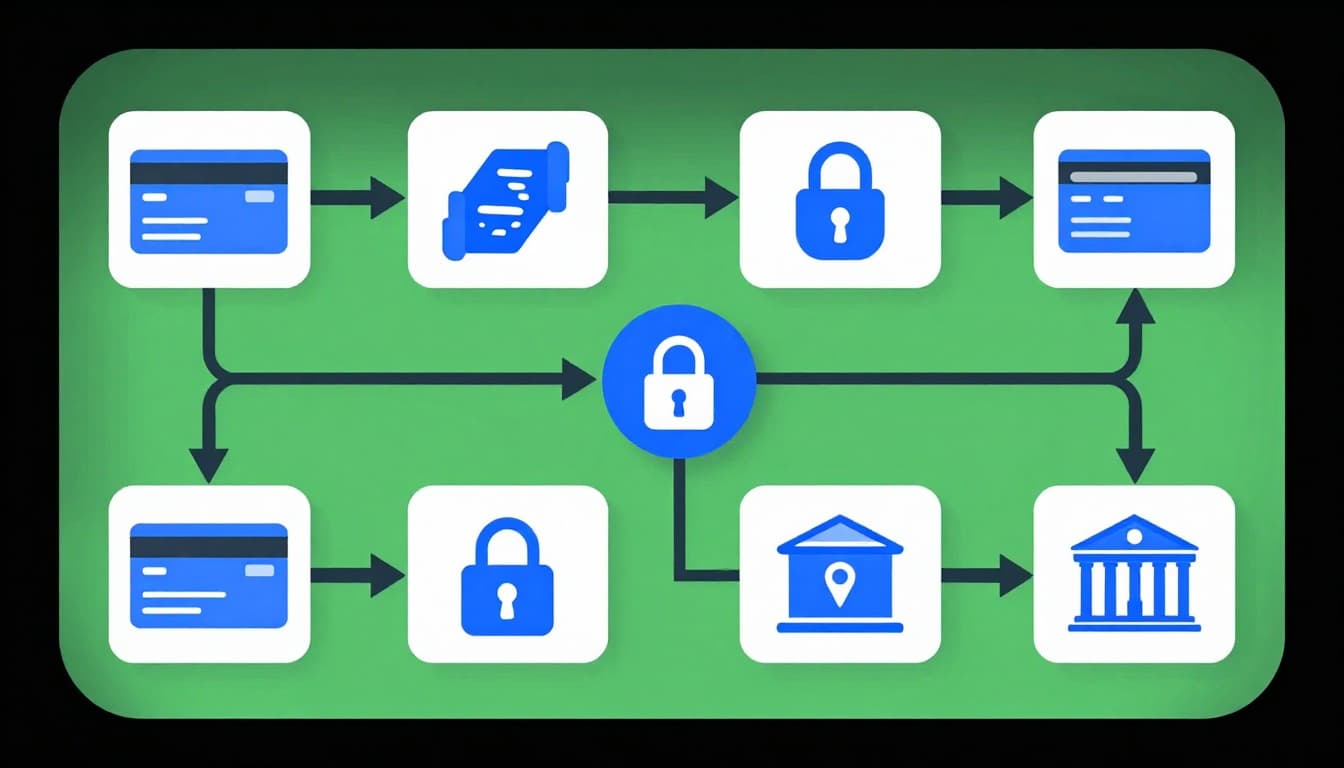
What happens after you enter your card
- You enter card details on the checkout page.
- The gateway encrypts the data. Card info gets scrambled so it can’t be read if intercepted.
- The gateway sends the request to the payment processor. This is where routing and transaction handling start.
- The processor checks the issuing bank and card network. It prepares the authorization message for the right path.
- The issuing bank approves or declines. If approved, the bank may place a temporary hold.
- The processor returns the response. Approval or decline travels back through the chain.
- You get confirmation on the checkout page. Usually within 2-3 seconds.
- Settlement completes later (often 1-3 days). The final money transfer happens then.
Two key notes help things make sense. First, authorization is not the same as settlement. Second, the gateway is what starts the secure exchange, but many other systems join the ride.
If you ever see “pending” after checkout, that usually means authorization happened. Settlement is still finishing behind the scenes.
Next, let’s name the people and systems you hear about, but rarely see.
Key Players That Make Online Payments Possible
Online payments are teamwork. Several companies handle different parts of the authorization and routing. In other words, your checkout is like a relay race, and each player hands off the baton.
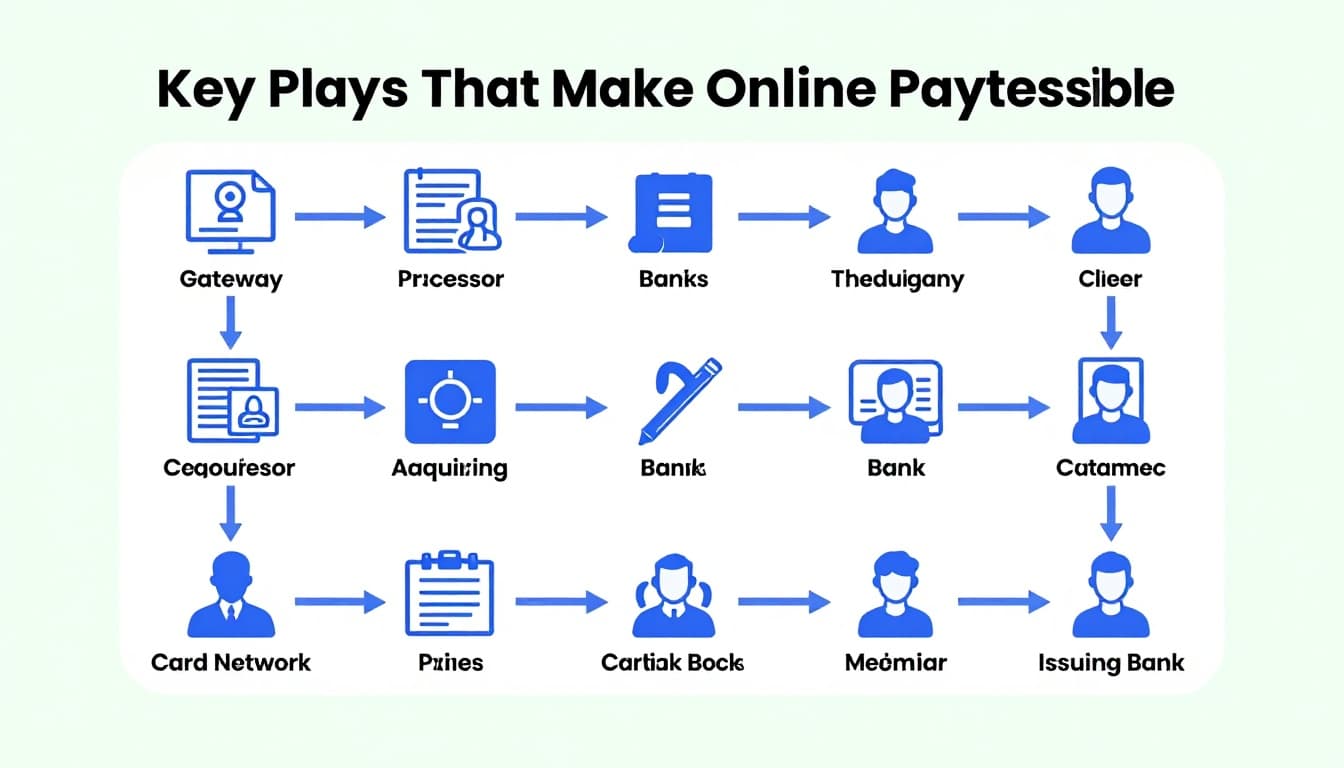
Here are the main players you’ll see in most card payment systems:
- Payment Gateway: This is the front door. It collects payment info and sends it securely onward.
- Payment Processor: Think of this as the orchestration engine. It handles the back-end transaction messaging.
- Acquiring Bank: This is the merchant’s bank. It helps move the authorization request from the seller side.
- Issuing Bank: This is your bank. It decides whether your card should approve or decline.
- Card Networks (Visa, Mastercard, etc.): These networks route messages between banks and keep the card system running.
When you click “Pay,” your payment doesn’t jump straight from the store to your bank. Instead, it travels through the gateway and processor, then routes through the networks to reach your issuing bank.
Also, the gateway and processor may be the same company in some setups. Many businesses choose “all-in-one” vendors that combine roles. Still, the system logic stays similar.
Now that you know who’s involved, the next question becomes more important. How do they protect your payment data while it’s moving?
Security Features That Protect Every Transaction
Security in online payments isn’t one single lock. It’s a set of protections that work together, and they run fast. That’s why checkout feels quick even when a lot happens behind the scenes.
Encryption and secure connections
Encryption is the first line of defense. It scrambles card data so it can’t be used if someone intercepts it.
Most sites also use a secure connection (often described as SSL/TLS) so data travels through a protected tunnel. In simple terms, it’s like sealing the envelope before it leaves your house.
Fraud checks that stop odd behavior
Next, fraud detection looks for risk signals. Many systems flag things like unusual buying patterns, strange device signals, or mismatched location data. For example, if a buyer’s typical country is the U.S., but the card suddenly appears to be used from another country, the system may ask for extra checks or block the payment.
This part matters because approvals and declines can be based on more than “good or bad card.” It’s about whether the transaction looks legit.
PCI compliance rules for handling card data
Then there’s PCI compliance. PCI DSS is the set of rules for protecting cardholder data. A good gateway helps businesses meet these standards by controlling how card data gets handled and where it flows.
If you want a straightforward resource on PCI requirements for payment gateways, see Payment Gateway PCI Compliance Essentials. It explains what “compliant” means at the gateway level and why it matters for safe handling.
The big takeaway: gateways don’t just move money requests. They also set up the safety rules that reduce fraud and data exposure.
Tokenization in many modern checkouts
In many modern setups, gateways use tokenization. Instead of using your real card number each time, systems swap it for a token. That token can help reduce the value of stolen data.
This is also why some checkouts can remember your payment method. They store a token, not the full card number.
With security covered, you might wonder which setup fits your business. That brings us to gateway types.
Hosted Versus Integrated Payment Gateways: What’s the Difference?
Two popular gateway styles show up during checkout: hosted and integrated. Both can be secure. The difference is where the payment page runs and how much control you keep.
In a hosted gateway, the customer gets redirected to a provider page to enter payment details. After submission, the provider sends the result back to your site.
In an integrated gateway, the payment fields and flow stay on your site. The gateway still handles the secure parts, but the experience looks more “in place.”
To make the tradeoffs easy to compare, here’s a quick view:
| Feature | Hosted Gateway | Integrated Gateway |
|---|---|---|
| Checkout experience | Often redirects off-site | Stays on your site |
| Setup effort | Usually simpler | Usually needs more work |
| Control over UI | Less control | More control |
| Compliance responsibilities | Often shared more with provider | Often more on your team |
| Typical use | Quick launches, smaller teams | Brands that want tight UX |
If you want an outside perspective that compares these models, this guide to hosted vs. integrated payment gateways gives more context on how teams choose.

Here’s how to decide without getting lost in tech terms.
- Choose hosted when you want fast setup and your team prefers less security surface area on your own site.
- Choose integrated when you want a checkout that matches your brand and you can handle the security and compliance demands.
Also remember this. The “best” choice depends on your store size, your traffic, and your dev resources. If you sell high volumes, checkout changes can affect conversions a lot. Still, security must stay strong either way.
Conclusion
So, how do payment gateways work in online transactions? They act like a secure checkout partner. They collect payment details safely, encrypt them, and send authorization requests through the network of banks and card systems.
Your payment journey usually follows a short path: enter card details, encrypt data, route to the right bank, get an approval or decline, then settle later. Along the way, security tools like encryption, fraud checks, and PCI compliance help protect you.
If you want smoother checkout and fewer failed payments, focus on one thing first: choose a gateway setup that matches your security needs and your customer experience goals. After all, that’s what shoppers feel, even if they never see the steps behind the scenes.
Have you used a hosted or integrated checkout before, and did you notice a difference in speed or trust?